How do I mount a GoPro Hero 7 via USB in Ubuntu 18.04?
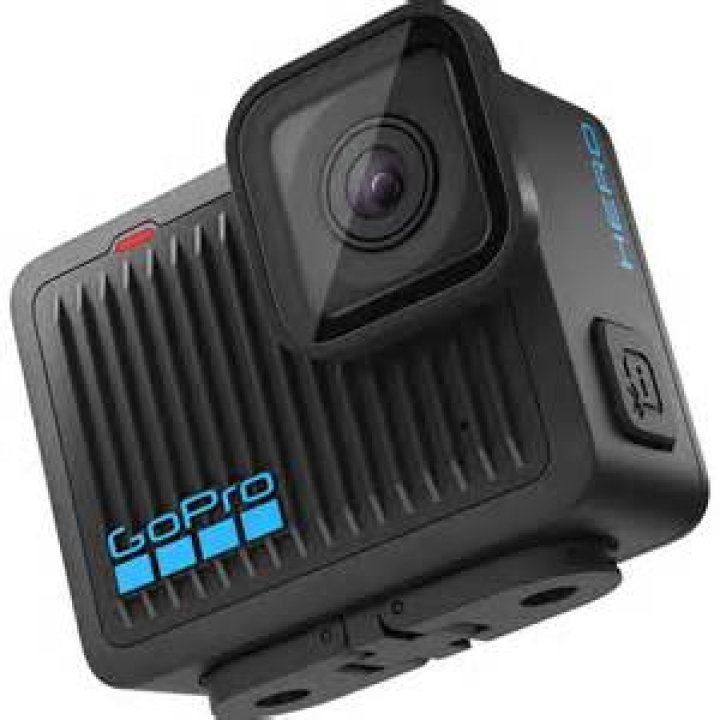
When I connect my GoPro Hero 7 camera via USB I see it in Files as HERO7, but when I click on it, it either mounts and says Folder is empty. Or the USB connected message on the camera appears and disappears and Files show the error
Unable to open MTP device usb: 002, 015). I've tried different cables and ports.
Help!
3 Answers
I had the same issue when I used USB-C to USB-C cable. Once I switched to USB 3.0 - USB-C cable everything was back to normal. I also had gMTP installed, but I am not sure if it had any impact.
2For GoPro Hero 8, go to Preferences → Connections → USB Connection → MTP.
1Pressing the Settings button on the side of the camera made it visible to my Linux system.
Here is what the link to my GoPro folder looks like, if this helps in any way:
mtp://GoPro_HERO7_C3281328889740/GoPro MTP Client Disk Volume/DCIM/100GOPRO/

