How do I map a mac network drive to a windows machine?
I have a RAID connected to my iMac, and I want other windows users in the same network to be able to access that RAID.
I have turned on file sharing from mac system preferences for that particular drive, and added the users I want to use that drive. How do I do the final step i.e. what does a windows user need to do to access those drives now?
I do have smb address for my machine
2 Answers
As you're the one who set up the share, I'm assuming you know the share name and the IP for the machine. From here, it's pretty simple.
- open up windows explorer.
In the 'current folder' bar up the top (where it says 'This PC', 'C:\Users{user}\', etc) enter in the following:
\\{IP ADDRESS OF MACHINE}\{SHARENAME}
For example, if the IP of the machine is 10.0.0.1 and the share name is potatoes, you would enter:
\\10.0.0.1\potatoesIf you're prompted for a username and password, then enter them here. If all is well, you should be at the share folder.
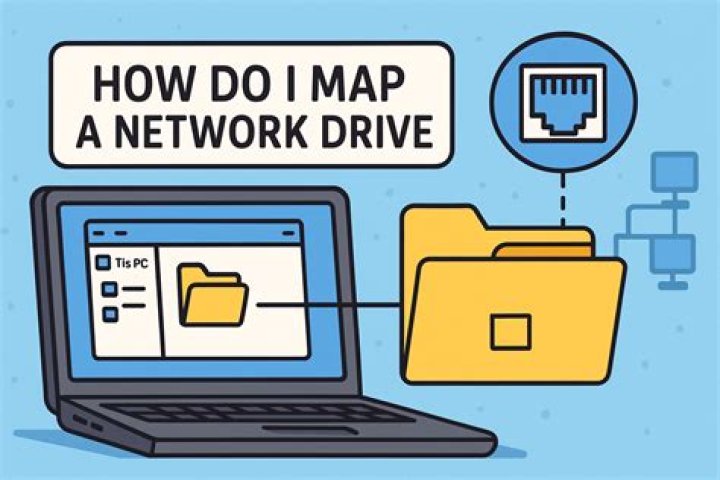
To map the drive, go to 'My Computer'/'This PC' and click on the 'Map Network Drive' button in the top ribbon, under the tab 'Computer'. A window should open up asking for a drive letter, the share location, and two checkboxes for reconnection and alternate user authentication. If you want the share to be persistent (i.e. is still there if the user logs off and back on again) make sure the "Reconnect at Sign-in" box is ticked. If not, leave it unticked. Make sure you tick the "Connect using different credentials" box. Now, select a drive letter (usually you don't have to change it) and enter in the share location, in the format shown above. Click 'Finish', enter your username and password when prompted, and if all is well the drive should now be mapped under the letter you assigned.
4You can map it from the command line (cmd.exe or PowerShell) using net use:
net use m: \\iMacHostname_or_IPAddress\share /user:iMacLoginID iMacPasswordThis will use your Mac login credentials to mount the share as drive letter M:\ on your Windows machine.
Just for good measure, I will also add that you can do this the exact same way from the Bash shell on Windows if you are using Cygwin as long as you make sure to escape all of the backslashes. So if using Cygwin, it would actually be like this:
net use m: \\\\iMacHostname_or_IP\\share /user:iMacLoginID iMacPasswordOtherwise, if you want to go the GUI route, simply go to Computer > Map Network Drive > Enter appropriate info (\\hostname\share or \\IP\share and the credentials you use when accessing the drive on your iMac).
You can also use Start > Run (or WinKey+R on Windows 7+, I believe), and simply type \\hostnameORip\share, and you should get prompted for credentials, at which point you will enter the creds you use to authenticate on your Mac. This can also be done from the address bar in Windows Explorer on some versions of Windows (if not all versions).


