How do I install a fingerprint reader on Lenovo ThinkPad?
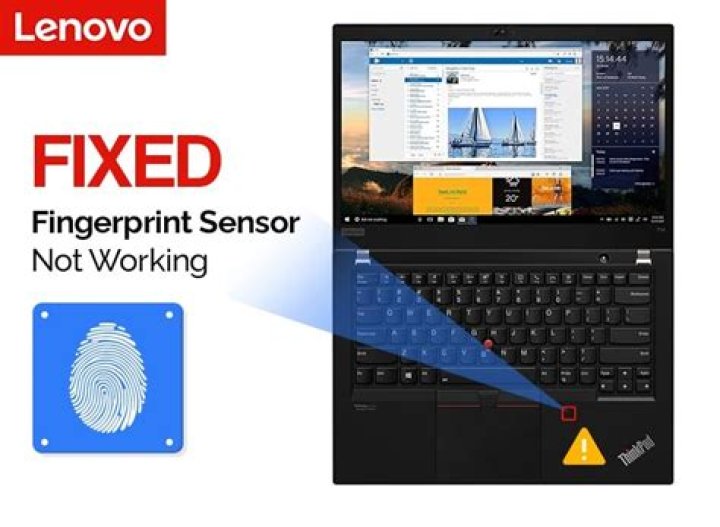
I have a Lenovo ThinkPad with a fingerprint reader:
How to make Ubuntu recognise it and use it for login?
I already tried:
sudo add-apt-repository ppa:fingerprint/fingerprint-gui
sudo apt-get update
... but this GUI did not recognizes my device. Does anyone knows any other option?
64 Answers
I tried both Fingerprint Gui and FPrint in my Thinkpad W550S. Fingerprint Gui (Dead link, project is gone???) had a nice interface, but was pretty unstable on the login page and sudo and constantly crashed.
FPrint seems more simple, but works very well:
Installation
For Ubuntu 20.04 or greater:
sudo apt install libpam-fprintdFor Ubuntu 16.04 or greater:
sudo apt install libpam-fprintd fprint-demoFor Ubuntu 15.04 or less
sudo add-apt-repository -y ppa:fingerprint/fprint
sudo apt-get update
sudo apt-get install libfprint0 fprint-demo libpam-fprintd gksu-polkit
Configuration
After that, you can test it by running fprint_demo and save the fingerprint with fprintd-enroll. This will automatically make your login screen require a finger swipe instead of a password.
In some cases you also may need to run:
sudo pam-auth-update... to activate fingerprint reader for elevated privileges, for example with sudo.
Fprint worked perfectly on a Lenovo Thinkpad X1 Carbon under Ubuntu 14.04. I strictly followed the instructions :
sudo add-apt-repository -y ppa:fingerprint/fprint
sudo apt-get update
sudo apt-get install libfprint0 fprint-demo libpam-fprintd
and finally saved my fingerprint with fprintd-enroll.
I can now login and validate my sudo access with a finger swipe !!
On my Thinkpad X220, I had to enable the fingerprint reader in BIOS (tap F1 repeatedly after starting the computer).
After that, fprint_demo works in the sense that it runs, but it fails to read any fingerprint data ("Bad scan. Please remove your finger before trying again.").
1I have a T590 and fingerprint is now working in Ubuntu 20.10!
I installed the update in the "Software" app.
1

