How do I get my PIXMA MP250 printer to work on 14.10 [closed]
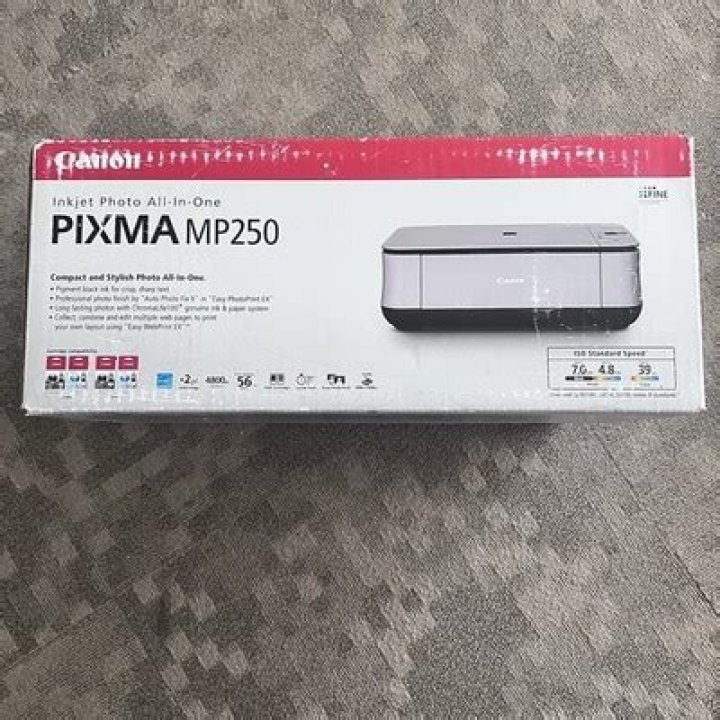
I have tried installing the software, with no success. When I go to printers under system settings, the button to add a printer is greyed out even though the printer is plugged up. I tried running this command to get the driver:
sudo add-apt-repository ppa:michael-gruz/canon-trunkthen
sudo apt-get updatethen
sudo apt-get install cnijfilter-mp250series
E: Invalid operation
then tried one similar
sudo apt-get install cnijfilter-mp240series
E: unable to locate package cnijfilter-mp240series
Tried downloading package directly from canon website for linux 64 bit, but not sure how to execute it.
11 Answer
If you have downloaded the cnijfilter...gz package from Canon's website, you should have what you need to get your printer working.
Assuming that you downloaded it to the Downloads folder, execute these steps:
- Open the Downloads folder in a file manager
- Find the
cnijfilter...gzpackage and extract it into the Downloads folder. Depending on how your system is set up, this may be as simple as right-clicking it and selecting "Extract now" or similar. - Open a terminal window. Go to the Downloads folder by typing
cd Downloads. List the contents of the folder by typingls. Then cd to thecnij.....debfolder that you created by extracting the files. - List the contents of the new folder by typing
ls. If everything has worked so far, you will see two directories and a script calledinstall.sh. - Execute the install script by typing
sudo ./install.sh. You will be prompted for a password. Enter your login password. Nothing will be displayed as you type. - Answer the questions in the install script.
If this process completes properly, you should now be able to print.


