How do I find the kernel version, Ubuntu release and disk partition information from the terminal?
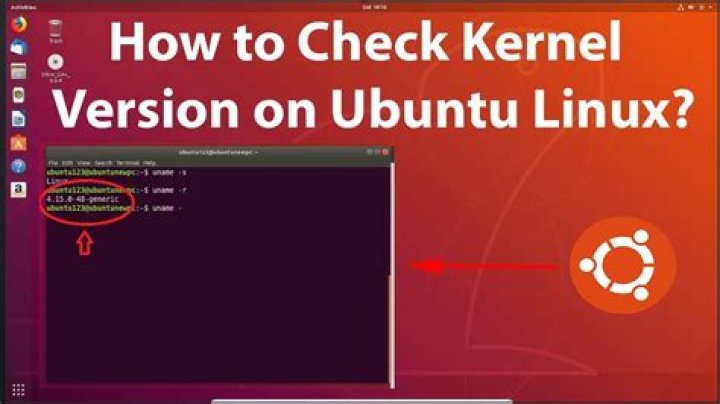
Which commands will give me information about following using Terminal?
- Kernel Version
- Distribution version no.
- All partition size of the HDD
7 Answers
uname -afor all information regarding the kernel version,uname -rfor the exact kernel versionlsb_release -afor all information related to the Ubuntu version,lsb_release -rfor the exact versionsudo fdisk -lfor partition information with all details.For more understandable information regarding paritions, please use commands given in other answers.
Kernel Version
cat /proc/version # detail about for the kernel image versionDistribution Version
lsb_release -aPartition Sizes
cat /proc/partitions # for basic sizes
sudo fdisk -l /dev/<device> # eg /dev/sdaCommands:
Kernel Version:
uname -rDistribution version number:
lsb_release -srAll partition sizes of the HDD in Terminal:
lsblk -o NAME,SIZE
Example:
2
Kernel version is:
uname -rUbuntu release version is:
lsb_release -rAll partition size of the HDD in Terminal
df -ht ext4replace ext4 with your FS type if it's not so
With respect to the marked as answer post:
Not correct uname -a return all not just kernel version also lsb_release -a return all not only Ubuntu version moreover sudo fdisk -l return the block numbers and size and not human readable information
Open terminal. Just press Ctrl+Alt+T on your keyboard to open Terminal. When it opens, run the command below.
sudo fdisk -l; uname -a; lsb_release -auname -r
sudo fdisk -l
lsb_release -a
0To find the exact distribution, that is Ubuntu 16.04.1 or Ubuntu 16.04.3 you would use
lsb_release -d

