How do I enable gnome 40's Horizontal Workspaces on Manjaro Linux?
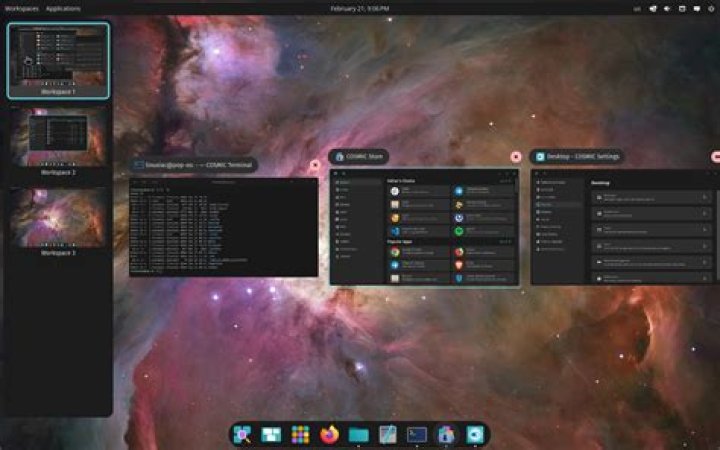
I recently switched from Ubuntu to Manjaro linux. It comes with Gnome 40.1.0, but workspaces are still horizontal rather than vertical. My assumption is that Manjaro set vertical workspaces to be the default, even in Gnome 40, but I don't know how they did this, or how to enable horizontal workspaces (now that they have native support in Gnome 40).
Most of the solutions I found online described extensions for horizontal workspaces in Gnome 3, but these should either be rendered unnecessary or entirely obsolete by Gnome 40.
My questions are:
- How did Manjaro make Gnome 40's workspaces vertical?
- How do I make them vertical again?
Gnome Extensions:
One person suggested that it might be a vertical-overview extension. Using gnome-extensions list I checked for a vertical-overview extension, but I couldn't find one.
This is the list of installed extensions:
material-shell@papyelgringo2 Answers
I don't use Gnome, but looking up "vertical workspaces gnome 40" gives you this project.
I would assume you install this extension. Manjaro probably just comes pre-bundled with it.
You could probably disable the extension to make it horizontal.
1Solution: Enable horizontal-workspaces extension
For some reason, despite coming with gnome-40, workspaces are vertical by default in Manjaro, but the OS comes packaged with a horizontal-workspaces extension that's turned off by default. If that extension is switched on, horizontal workspaces are enabled. You can get to this window by searching for the "Extensions" app, or by running:
gnome-extensions enable