How Do I Enable Blue Lines in Excel's Page Break Preview
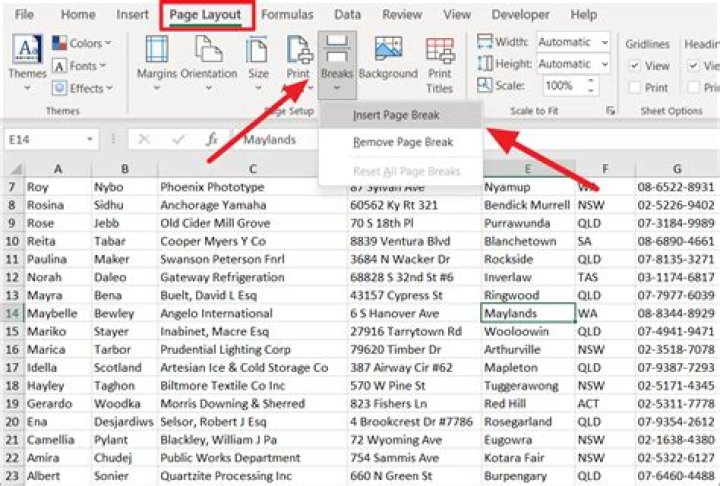
When in Page Break Preview there are no blue lines to adjust. Where do I find the blue lines or how can I get them back?
I haven't tried anything because I don't even know where to begin. I've been trying to google but the only information that comes up is how to create, delete page breaks. I know how to adjust page breaks but its a little impossible and frustrating to do without the blue lines.
1 Answer
If you are talking about the same blue lines that I think you are (solid blue around the outside and dotted blue on the interior)...those are references to show how the pages will print. You can also adjust those with your mouse (hover over the line and a double sided arrow will appear or you can highlight the print range you want and go to Page Layout => Page Setup => Print Area. As for how to get them back, try redefining your print area.
1

