How do I convert epub to mobi using calibre?
How do I convert epub to mobi using Calibre for this?
6 Answers
Yes, Calibre package contains a script called ebook-convert to convert ebooks between formats. You can install Calibre with
sudo apt-get install calibrethen
ebook-convert "book.epub" "book.mobi"NB: Other formats are supported, too:
ebook-convert "book.azw3" "book.pdf"I found a script for batch conversion:
for book in *.epub; do echo "Converting $book"; ebook-convert "$book" "$(basename "$book" .epub).mobi"; doneIt works good for me, but the process is pretty slow.
Install calibre. Works with any arbitrary folder depth.
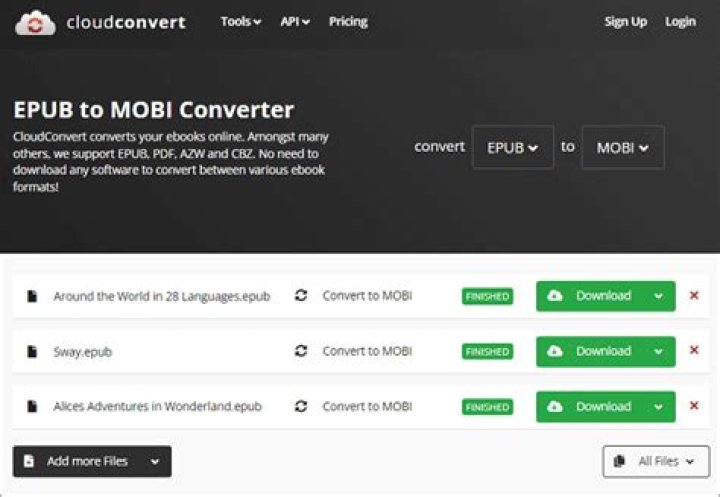
find . -name '*.epub' -type f -exec bash -c 'ebook-convert "$0" "${0%.epub}.mobi" --prefer-author-sort --output-profile=kindle --linearize-tables --smarten-punctuation --enable-heuristics' {} \;You can also do this without installing Calibre. This would be really handy on a Chromebook, for example. There is a free, online site called EPUB Converter that will let you upload the epub and it lets you then download the mobi equivalent.
Yes, you can use Calibre for epub to mobi conversion. They declare mobi as supported output format in their FAQ.
I don’t think there’s anything Ubuntu-specific in the question, so it would probably belong somewhere else.
1As of November 2021. I had to run the command using sudo.
E.g
sudo ebook-convert book.epub book.mobiI didn't need the quotes, but you can use them if your file name has spaces. E.g:
sudo ebook-convert "book one.epub" "book one.mobi"
Everything else works as described in the accepted answer above.


