How do I configure two email accounts inside one Outlook profile in 2007?
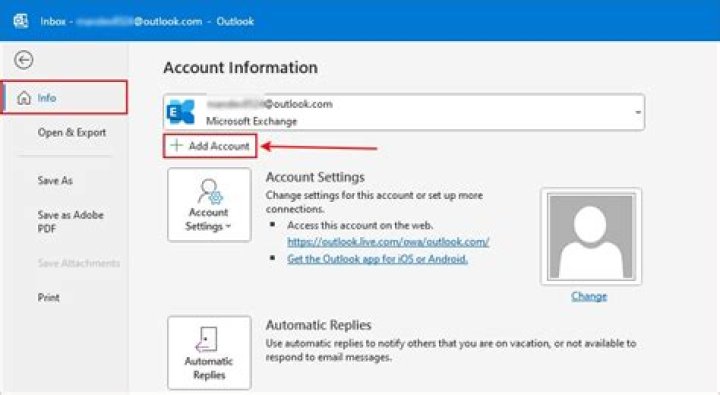
I'm trying to configure two email accounts inside one outlook profile in 2007. I did it before, but this time I'm getting an error when I try to add second account.
Error:
This account or directory type is already exists and cannot be specified twice
I took one account as Exchange, the other one is POP email.
What I did:
Created a new profile. Only one profile is there named as Outlook. I configured my email id . It is automatically added as Microsoft Exchange and is working fine.
Now I need to add my second id which is from another client. I go to mail setup > Email-accounts and click on New rather than select Microsoft exchange, which is previously configured and select the change option. I choose the first option pop3, imap.. > and enter my new id details. Here I got the error "these account or directory already exist."
Can anyone help me with this?
2 Answers
- In Outlook, go to Tools > Options > Mail Setup > Email Accounts
- Select your already configured first email account and choose Change.
- Select Change then More Settings.
- Go to Advanced (Open these addtional mailboxes) and add the other mailbox.
Go to Outlook's Tools » Account settings. Click New then just add your next mail account.
0

