How do I calculate the total difference between two columns of figures in Google spreadsheet/Excel?
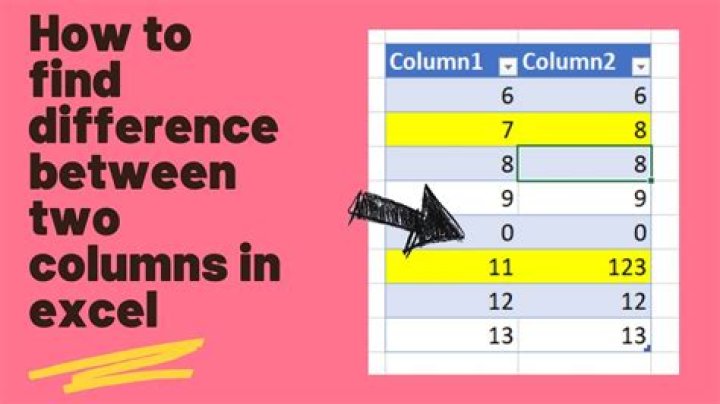
Usually I would just calculate the difference of each row like this: =B1-A1
Then I would sum up the values of the column like this =SUM(C1:C10) and get my desired value.
I don't want the C-column. Is it possible to calculate it immediately?
For example I tried: =SUM((B1-A1):(B10-A10)) (which doesn't work)
Usually I can find the answers somewhere in the documentation, but my Math-English vocabulary is a little bit rusty and with German documentation I haven't found what I was looking for.
I know I could put 10 values manually inside the sum. But this doesn't scale gracefully, I want to be able to change only a few values in the formula instead of adding 1000.
03 Answers
The following should work for this case:
=SUM(B1:B10) - SUM(A1:A10)If you want to calculate each value in turn, evaluate it as a positive number, THEN work out what that adds to then your best bet is an array formula.
These are entered not by pressing ENTER at the end, but CTRL+SHIFT+ENTER. When done, you will notice a pair of braces on either side ( { } ).
Note - you must use this method, you cannot type the braces and CTRL+SHIFT+ENTER etc in
=sum ( abs(b1:b10 - a1:a10) )Clearly, you can replace sum with average if that better suits your needs.
Other threads suggest SumProduct, if any of the cells may be empty. A trick is used for one argument, and the other is the desired difference, eg: =SumProduct(--(b1:b10<>""), (b1:b10 - a1:a10)) where the trick is using -- to convert logical/boolean values to 1 or 0. However, Excel 2010 threw up a #VALUE! against that 2nd argument. An alternative: =(Sum(b1:b10)-SumProduct(--(b1:b10<>""),a1:a10))/Count(b1:b10) But that will result in #DIV/0!, if all the cells in the B range are empty.


