How can I print a properly sized passport photograph using Windows 7?
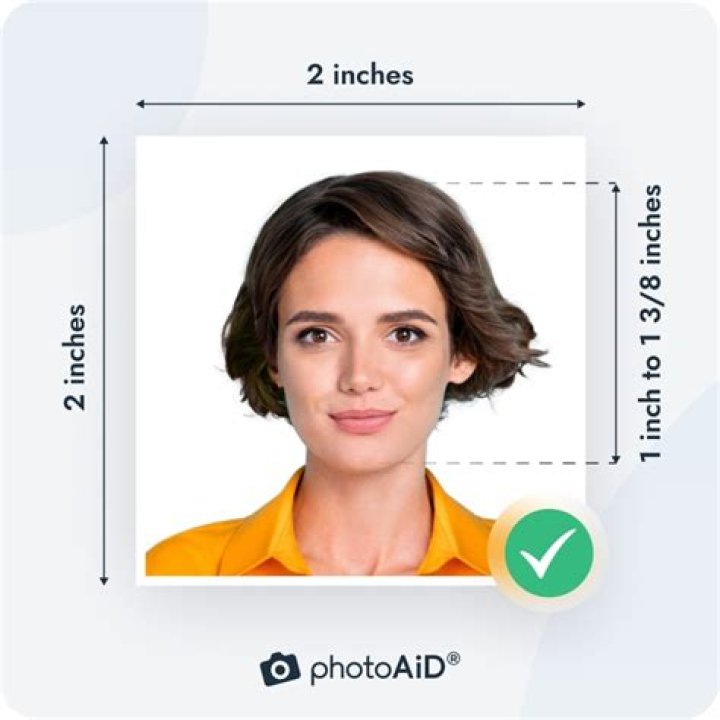
It's time to renew my passport, and I thought I'd save some money by taking a self portrait and then printing it at home. I made the self portrait and edited it down to the required 2 inch by 2 inch size. However, when I tried to print the picture from my Windows 7 computer, the computer automatically re-sizes the picture. I also tried the contact sheet printing option, but that isn't large enough. How can I get my passport photo printed at the proper size?
11 Answer
If you are printing through Windows Photo Viewer, you won't get the proper size you want. Alternatively, many people use Photoshop for this task. If you don't have it, insert the image in Word or PowerPoint and set the size if you have to.
If you don't have any Office software, use a free image viewer like IrfanView. Its printing dialogue box offers options to retain the image dimensions or resize it to your preference. Open your image with IrfanView and hit CTRL+P. Grouped under Print size, find the option Custom and set your width and height. Untick Aspect ratio if you want to resize freely. Click Print and enjoy saving some money :)


