How can I open the User Account Control settings from command line
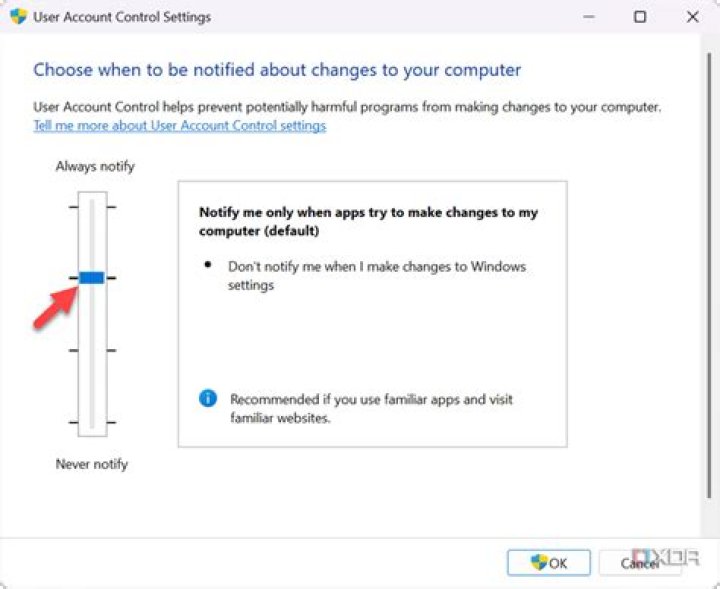
It should be something like control APPLET.cpl, but I am not able to find the applet name. Does anybody know?
3 Answers
C:\Windows\System32\UserAccountControlSettings.exe
I assume you are looking for the command to open the User Account Control applet from the Windows Run command. To do this, in the Run box type useraccountcontrolsettings then click OK to get directly to the User Account Control Settings window.
You can also enable and disable via CMD:
Disable:
C:\Windows\System32\cmd.exe /k %windir%\System32\reg.exe ADD HKLM\SOFTWARE\Microsoft\Windows\CurrentVersion\Policies\System /v EnableLUA /t REG_DWORD /d 0 /fEnable:
C:\Windows\System32\cmd.exe /k %windir%\System32\reg.exe ADD HKLM\SOFTWARE\Microsoft\Windows\CurrentVersion\Policies\System /v EnableLUA /t REG_DWORD /d 1 /f

