How can I keep my Firestick from slowing Wifi with its own SSID?
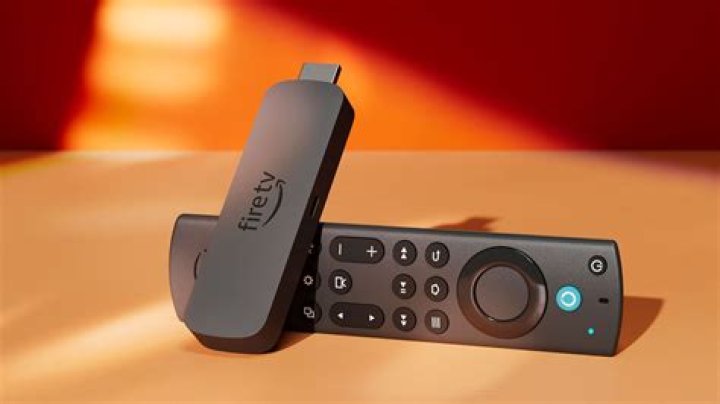
My Amazon Firestick is producing its own Wifi network that interferes with my router, bringing speeds (fast.com) to 3 Mbps when connected, compared to 10 Mbps when disconnected. (On a nominal 100 Mbps connection.)
When I set my DSL-225 router SSID PETERSNET to Channel 12, Linssid shows a second DIRECT-eE-FireTV-13aa SSID appears at the same channel (see image). I understand from this Reddit that the Firestick generates the wifi network for itsremote control.)
When I switch to Channel 1, the Firestick's MAC address 4E:EF:... "follows" the DSL-225 and produces a new SSID at Channel 1, but consistently renamed to a nonsensical \000x\000x\000x....
Interesting that this Amazon device appears as a DHCP client of the DSL-225 as amazon-af0d9b545 4C:EF:... (the same MAC except for the second digit; presumably a second network interface).
How do I prevent the Firestick from slowing down my Wifi?
122 Answers
I had the same issue, the fireTV's wifi direct signal (for the remote) apparently chooses its band by following the strongest wifi signal, causing interference with your router. My fireTV has a wired connection for internet, but I was seeing the wifi direct signal follow my router around the 5GHz bands. Why on earth they designed it like this, I do not know.
I was able to fix this by disabling SSID broadcast in my router's settings, then switching my router to a different band. The fireTV's wifi direct signal stopped following my router.
Gordon's answer is useful. I also have the same issue as OP and I wish there was an option to disable the broadcasting of the ssid for the remote/casting, or it would only switch on when needed
For now I've set up my router to split 2.4ghz and 5ghz into separate ssid. I use the firestick on 5Ghz and other devices on 2.4ghz. The firesticks ssid is now on 5Ghz band and not interfering with 2.4Ghz band


