how can I instruct my macbook pro to use the camera on the external monitor?
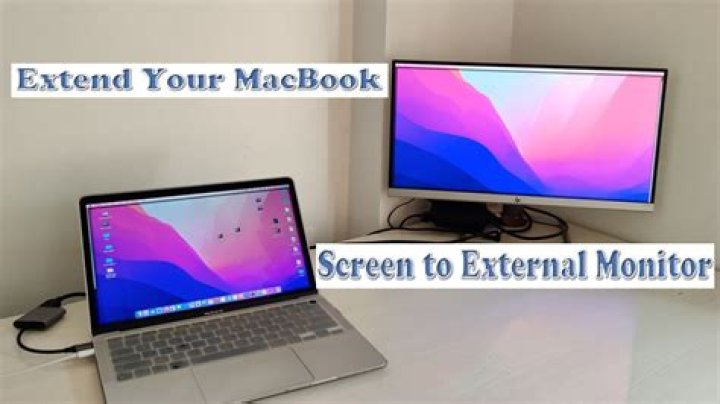
My a 13-inch macbook pro with retina display (macOS Catalina 10.15.6) was purchased March 2020, and with it I use an LG Ultrafine external monitor, alias "display". Both the macbook pro and the monitor have cameras. When I use QuickTime to record a video, the camera on the retina display is the input source. How can I get the computer to use the external monitor's camera instead? In Preferences, Sound, I can specify the input source for sound, but have found nothing analogous for video. As a result, if I participate in a videoconference, looking at the big screen, the camera will always have me in profile instead of facing the camera, because the laptop sits to the side. There has to be a way to change this.
11 Answer
Thank you @Tetsujin, you solved the problem. To restate your solution using more words: Click on the "Movie Recording" window of QuickTime. Notice the "v" to the right of the red "record" button. Click the "v" and then there is a pulldown menu with three subdivisions: Camera, Microphone, and Quality.


