How can I install USB Wifi drivers to Lubuntu?
I'm trying to bring back an old PC to life. After looking around I concluded that Lubuntu is a great option. It's modern yet fast, using very little resources.
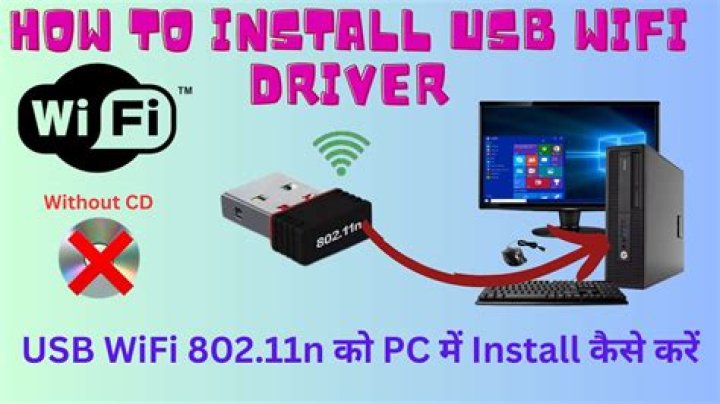
This computer is in a room where it would be very inconvenient to throw a cable to connect to internet, so I have a USB Wifi receiver dongle. It's the ZyXEL G-220 v3 and I have the original driver disc for it, the thing is, it's for Windows.
I am new to Linux and don't really even know where to start. I did find where my devices are located (System Profiler and Benchmark) but still don't know how to make it work.
If anybody could point me in the right direction I would really appreciate it.
Here's the lsusb:
Bus 001 Device 001: ID 1d6b:0002 Linux Foundation 2.0 root hub
Bus 005 Device 002: ID 058f:9360 Alcor Micro Corp. 8-in-1 Media Card Reader
Bus 005 Device 001: ID 1d6b:0001 Linux Foundation 1.1 root hub
Bus 004 Device 001: ID 1d6b:0001 Linux Foundation 1.1 root hub
Bus 003 Device 001: ID 1d6b:0001 Linux Foundation 1.1 root hub
Bus 002 Device 003: ID 0586:3419 ZyXEL Communications Corp. G-220 v3 802.11bg Wireless Adapter [ZyDAS ZD1211B]
Bus 002 Device 002: ID 093a:2510 Pixart Imaging, Inc. Optical Mouse
Bus 002 Device 001: ID 1d6b:0001 Linux Foundation 1.1 root hub1 Answer
Please try the following from the terminal:
sudo -i
modprobe zd1211rw
echo 0586 3419 > /sys/bus/usb/drivers/zd1211rw/new_id
exit
Did your wireless device come to life? Any clues in the log?
dmesg | grep -e zd12 -e wlxIf this works, I will edit my answer to add additional steps to make it persistent over reboots.
6

