How can I deactivate another system as my primary ps4
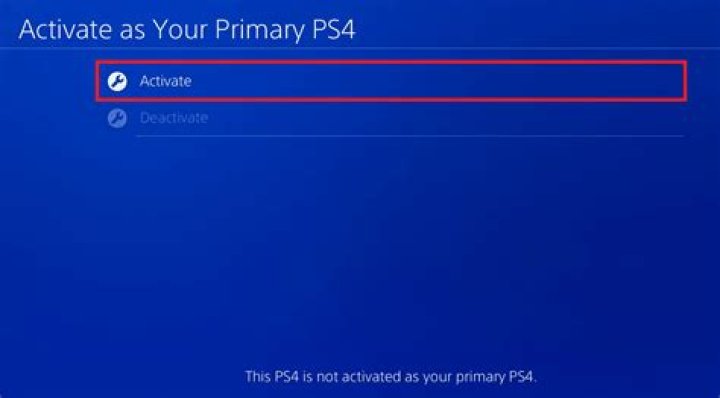
How can I deactivate my account from another system. On my PlayStation it says you have already activated another system as your primary ps4 with your account. To activate this system... Also I just recently purchased a PlayStation plus subscription and I want to play online with my brothers but having difficulties to play together
2 Answers
As seen on the Playstation Manuals website:
- Select Settings > Playstation Network/Account Management > Activate as your Primary PS4 > Deactivate.
If you run into an issue deactivating your PS4 you can contact Playstation Customer Support for further instructions.
I hope this helps!
If you don't have access to the system you can log into your account from a PC and deactivate the system from there. You are only allowed to deactivate once every 6 months or so. If you are still within that time you'll have to open a ticket with Sony to do it for you.
2

