How can I access dos from Windows XP
How can I access MS DOS from win XP?
I want to upgrade my BIOS. (Downgrade, in fact.)
3 Answers
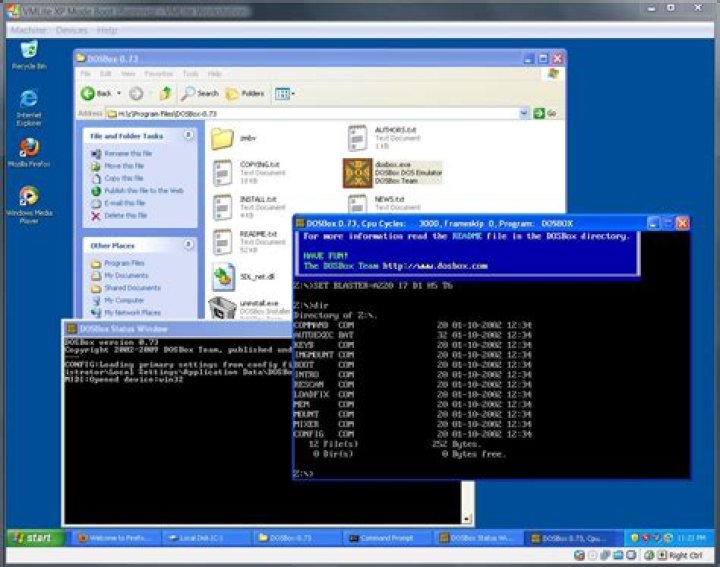
Windows XP doesn't include MS-DOS. You can run an emulated DOS in DOSBox, but programs running inside that box won't have access to the BIOS.
You can make a DOS boot floppy from Windows XP, but it might not be able to access your hard disk, so that's no good if your BIOS image doesn't fit on a floppy.
The standard tool for BIOS upgrades (or downgrades, it's the same thing anyway) is FreeDOS. This is a free DOS clone, with enough basic support for modern hardware to get going. See for example Creating FreeDOS USB boot stick for BIOS flashing.
0You can run DOSBox, which is an MS-DOS emulator. What are you trying to do?
1.Open the "Start" menu from the taskbar. 2.Click "All Programs," then click the "Accessories". 3.Click "Command Prompt" to open the "Command Prompt" window. This is where MS-DOS commands can be entered and executed. 4.To access a list of commands, type "help" at the prompt and press "Enter." To learn how to use a specific command, type "help " and press enter.
Start -> Programs-> Accessories->command prompt
or
Start->Run->Type Command and Press Enter
3

