Gnome suddenly switching from hardware GPU to llvmpipe
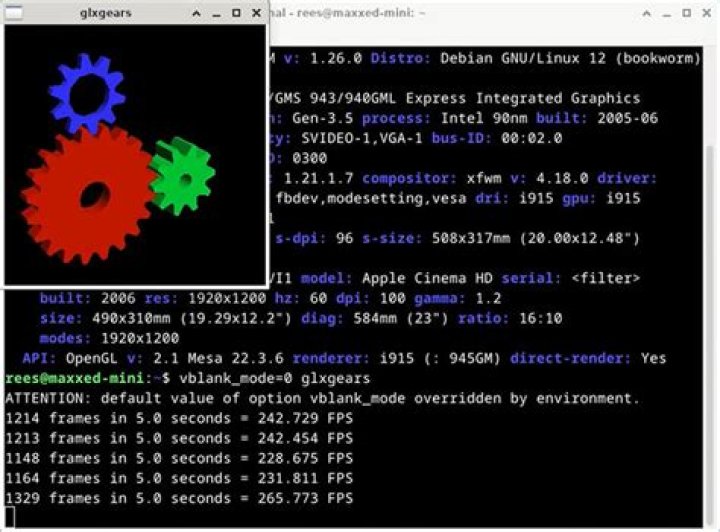
After I shut down my computer last night and booted it up this morning I come to find that the graphics device that Gnome chose to use llvmpipe for its graphics rather than my physical GPU. As a result, I am stuck with worse performance, smaller resolution, and god knows what else. Let me just make it clear that I have the proprietary Nvidia drivers installed as the performance gain is significant enough for me to care.
If I run the following command:
lspci -vnnn | perl -lne 'print if /^\d+\:.+(\[\S+\:\S+\])/' | grep VGAThis is the output:
01:00.0 VGA compatible controller [0300]: NVIDIA Corporation GP102 [GeForce GTX 1080 Ti] [10de:1b06] (rev a1) (prog-if 00 [VGA controller])If I run this command:
glxinfo|egrep "OpenGL vendor|OpenGL renderer"I get this output:
OpenGL vendor string: VMware, Inc.
OpenGL renderer string: llvmpipe (LLVM 8.0, 256 bits)
Is there a quick and easy way other than reinstalling that would result in Gnome using my GPU rather than llvmpipe?
I am running Ubuntu 19.04
I piped journalctl -b into a file and extracted all of the occurrences of ee or failed as requested. Due to character limitations the log can be found here
Jun 05 14:28:23 linux-8700k /usr/lib/gdm3/gdm-x-session[2504]:
(EE) NVIDIA: Failed to initialize the NVIDIA kernel module. Please see the
system's kernel log for additional error messages 1 Answer
The simple way of solving it was to restart the computer. Once at the login screen press Alt+Ctrl+F2 and logging in using your credentials. After that, assuming you are using gdm, run sudo systemctl stop gdm3. Then, find a way to reinstall the graphics driver that you are using. If it is the proprietary Nvidia one, run the shell script that you used to install it in the first place.


