Gmail Desktop Icon on Windows - Looking for Notification Number on top of Icon
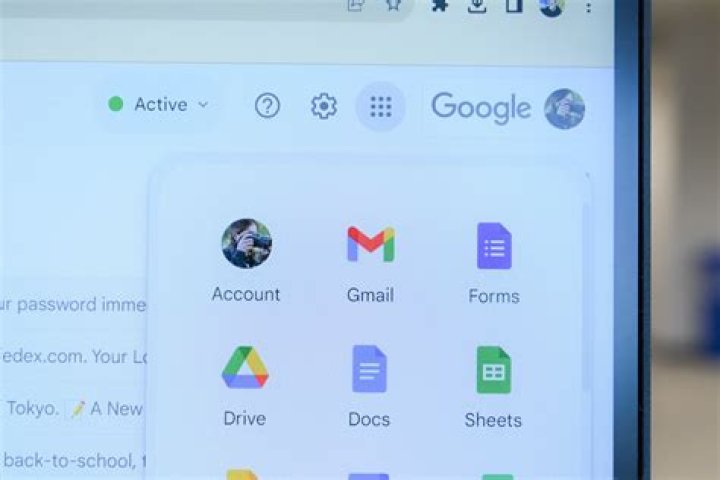
I have a Windows 10. I don't want to have Gmail, Google Calendar, or Google Keep on my browser but rather a standalone app.
The workaround for this was to do the following:
- On Google Chrome, click the 3 dots on the top right of browser
- Select "More tools" -> "Create Shortcut"
- Click "Open as Window"
- Pin shortcut to start task bar
Screenshot is below:
I have desktop notifications setup where the email message appears on the bottom right of the screen and then goes away.
How do I add the number of unread messages on top of the shortcut or is there no way to do this? Want to make this similar to Outlook and how Gmail looks on my mobile device. Ideally I'd want it to look similar to what is on mobile like below:
1 Answer
Figured it out from this question using the plugin:


