Getting cpu usage realtime
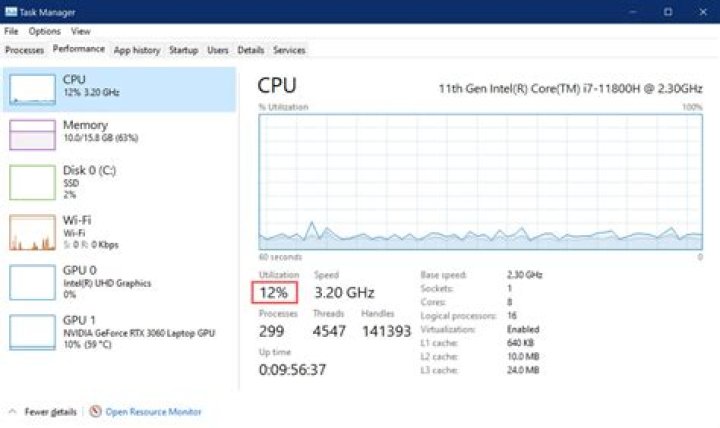
When I execute following command to get cpu usage , I get nice + user cpu usage.
top -b -n1 | grep "Cpu(s)" | awk '{print $2 + $4}' Output:
14.5Here I am getting problem is that the output depends on top command thus it doesn't change instantly as top command. So I am not getting correct cpu instantly. It gives same output and not changing.
I want to get real-time cpu usage in output. Please help me to improve my command.
26 Answers
If you can afford a delay of one second, this will print CPU usage as a simple percentage:
echo $[100-$(vmstat 1 2|tail -1|awk '{print $15}')](Without the one-second delay, vmstat can only print average values since boot.)
This is a known issue with top. As explained here, the 1st iteration of top -b returns the percentages since boot, we therefore need at least two iterations (-n 2) to get the current percentage. To speed things up, you can set the delay between iterations to 0.01. top splits CPU usage between user, system processes and nice processes, we want the sum of the three. Finally, you grep the line containing the CPU percentages and then use gawk to sum user, system and nice processes:
top -bn 2 -d 0.01 | grep '^%Cpu' | tail -n 1 | gawk '{print $2+$4+$6}' ----- ------ ----------- --------- ---------------------- | | | | |------> add the values | | | |--> keep only the 2nd iteration | | |----------------> keep only the CPU use lines | |----------------------------> set the delay between runs |-----------------------------------> run twice in batch modeI have tried several ways, but this seems to me the most accurate:
cat <(grep 'cpu ' /proc/stat) <(sleep 1 && grep 'cpu ' /proc/stat) | awk -v RS="" '{print ($13-$2+$15-$4)*100/($13-$2+$15-$4+$16-$5)}'Got it from here
5I needed CPU usage per core and used mpstat from the sysstat package.
sudo apt install sysstatCPU0 Utilization in %:
echo 100 - $(mpstat -P 0 | tail -1 | awk '{print $13}') | bcCPU1 Utilization in %:
echo 100 - $(mpstat -P 1 | tail -1 | awk '{print $13}') | bcChange the -P X if you have more than 2 cores.
Use -n2. This will output two lines. The 1st time top prints the line does not qualify for the state at that point in time. Then adjust your script to ignore the first line.
With a very small delay (500 ms approx), the current CPU usage in % can be found out using the following command
awk '{u=$2+$4; t=$2+$4+$5; if (NR==1){u1=u; t1=t;} else print ($2+$4-u1) * 100 / (t-t1) "%"; }' <(grep 'cpu ' /proc/stat) <(sleep 0.5;grep 'cpu ' /proc/stat)

