fsck error on boot: /dev/sda2 - can't type slash character
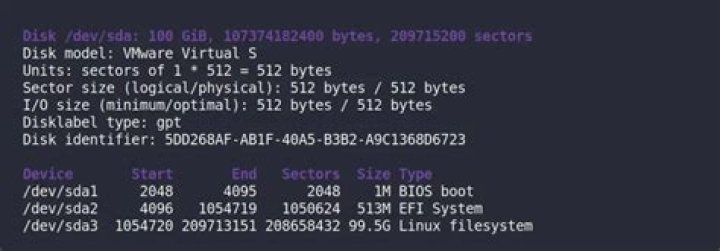
I need to set the fsck manually on boot but I can't type in the character / that is required to set the path.
(initramfs) fsck /dev/sda2I tried multiple keyboard combinations without success. How to fix this?
1 Answer
In such cases it's useful to have a look at the US keyboard layout.
The key on your keyboard to the left of the right Shift key should be / on US keyboards - which is the default unless changed on Linux.
It's also possible to do this without ever typing /. Simply cd .. until you are at /, then cd dev followed by fsck sda2. You don't need to give it the full path.


