Formatting drives to NTFS ubuntu
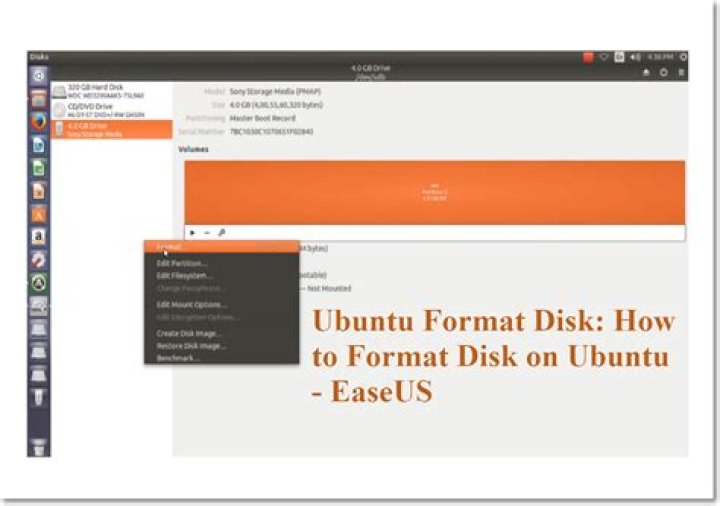
I have been having some trouble with formatting drives to NTFS on Kubuntu Terminal.
For some reason it takes a lot of CPU power and time to do this operation.
I am currently doing it on an external SSD. I don't even want to think how long it would take on a spinning HDD.
These are the commands I use.
First I use
df -h (to find the device)
then I do the following:
sudo umount /dev/sdb1then
sudo mkfs.ntfs /dev/sdb1then the following message shows up and this is where the time consumption and CPU strain comes in to play:
Initializing device with zeroes
Also, Is there any way to quickly format a external drive to a chosen filesystem?
I have had no luck with KDE Partition manager not GParted. Nor does an option exist in the file manager to format from there.
Note that the current drive I want to format has a Windows 10 installation on it. In Windows it would be as simple as going in to disk management and formatting. There is also two partitions on it and want the end result to be only one NTFS partition.
I hope this information is sufficient and sorry for the long question. I am probably doing something wrong and idiotic but that's why I'm asking :)
Thanks in advance
41 Answer
Is there any way to quickly format a external drive to a chosen filesystem?
The chosen filesystem is NTFS in your case. From man 8 mkfs.ntfs:
-f,--fast,-Q,--quick
Perform quick (fast) format. This will skip both zeroing of the volume and bad sector checking.
So yes, there is a way. Your command should be like
sudo mkfs.ntfs -f /dev/sdb1

