Forge installation not working
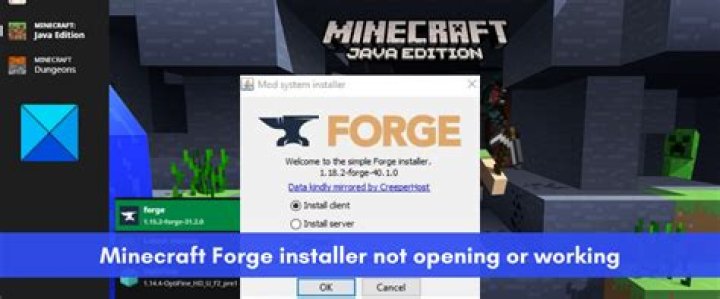
I want to install Forge for Minecraft but I'm getting errors and I don't know what they mean. When I run java -jar ~/Downloads/forge.jar I get the following output:
We appear to be missing one or more essential library files.
You will need to add them to your server before FML and Forge will run successfully.java.lang.ClassNotFoundException: net.minecraft.launchwrapper.Launch at java.net.URLClassLoader.findClass(URLClassLoader.java:381) at java.lang.ClassLoader.loadClass(ClassLoader.java:424) at sun.misc.Launcher$AppClassLoader.loadClass(Launcher.java:331) at java.lang.ClassLoader.loadClass(ClassLoader.java:357) at java.lang.Class.forName0(Native Method) at java.lang.Class.forName(Class.java:348) at cpw.mods.fml.relauncher.ServerLaunchWrapper.run(ServerLaunchWrapper.java:25) at cpw.mods.fml.relauncher.ServerLaunchWrapper.main(ServerLaunchWrapper.java:12)
What does this mean and how can I fix it?
Currently running Ubuntu 16.04 LTS.
Edit: Same file works fine on Windows 10
1 Answer
It looks like you're trying to execute the universal jar file, which is something you can't do. From the Forge website, download the file labeled Installer rather than Universal then execute that.


