Firefox speedport.ip webpage not found
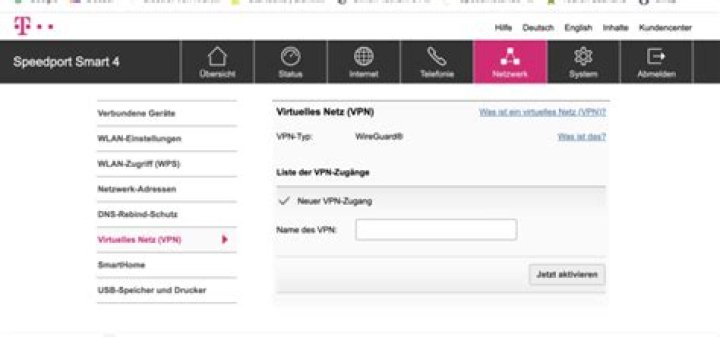
I've the following problem, I installed an Telekom Speedport Router as access point via LAN in my current network. It is connected to my first FritzBox Router. In the settings of my Telekom Speedport Router, I disabled DHCP and assigned a static IP address. Everything works great I've internet access!
My problem is know that it's not possible to access the webpage () of my Telekom Speedport Router! Firefox returns the following error message: We can’t connect to the server at , after I typed speedport.ip!
I found this question but the answer doesn't solve the problem!
Firefox-Version: 60.0.1 (64-Bit) Ubuntu
IP-Speedport: 192.168.179.5
IP-FritzBox: 192.168.179.1
It is interesting, if I connect with a telnet client, the port 80 is definitely open, and I modify the request header than it works, I receive HTML content, but only if I modify the host to speedport.ip
$ telnet 192.168.179.5 80
Trying 192.168.179.5...
Connected to 192.168.179.5.
Escape character is '^]'.
GET /login.htm HTTP/1.1
Host: speedport.ip
Any ideas how to access the router webpage via Firefox?
2 Answers
Unless you’re using the Speedport as your actual Internet gateway, the “domain highjacking” cannot work. It relies on the fact that your network devices use the device’s DNS forwarder. So on your network, you can only use fritz.box.
I haven’t heard of any routers that require a specific Host header. However, you can easily check that by adding an entry for speedport.ip to your computer’s hosts file:
192.168.179.5 speedport.ipThe hosts file is located at %WINDIR%\System32\drivers\etc\hosts on Windows and at /etc/hosts on most other operating systems. It requires Admin/root to edit.
I think a good bet would be to actually type in 192.168.179.5, this should open up the webpage of your speedport router.
4

