extract the filename from a path in a Bash
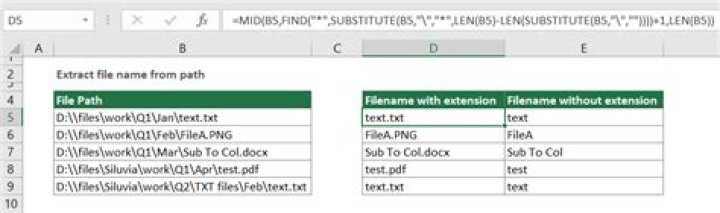
I have a file which has a lot of links and I need bash script to extract all the names of the files which end with .pdf format ?
3 Answers
You can extract the names with
grep -o '[^/]*\.pdf' example[^/]matches any single character that is not/[^/]*\.pdfis a (possibly empty) sequence of non-/characters, followed by the characters.pdf(the backslash before the period makes it literal - otherwise.in a regex matches any character)- the grep
-oflag outputs each matching portion, one match per line
To de-duplicate the, pipe through sort and uniq, or sort -u
grep -o '[^/]*\.pdf' example | sort -u- Here,
cutwill split the string with space and f1 means first field - Now
revwill reverse the string and split the string by '/' usingcutwith-f1which wiil give us the last part of the url however in reverse order. So we need to reverse it again!
cat filename | cut -d' ' -f1 | rev | cut -d'/' -f1 | revbasename /usr/bin/poop.txt
would give you
poop.txt
i generated a testy.txt file from /usr/bin that contains all of its path/files and edited some of the names to end in .pdf.
so basically testy.txt looks like this:
/usr/bin/aa-enabled
/usr/bin/aconnect.pdf
/usr/bin/alsaucm
/usr/bin/xargs.pdf
/usr/bin/xcursogen
/usr/bin/znew.pdf
You can use basename to extract just the names in the file after grepping pdf.
basename -a $(grep "\\.pdf" testy.file)
aconnect.pdf
xargs.pdf
znew.pdf
the -a allows the multiple arguments


