External display for Surface Pro 7 stuck in 640 x 480 resolution?
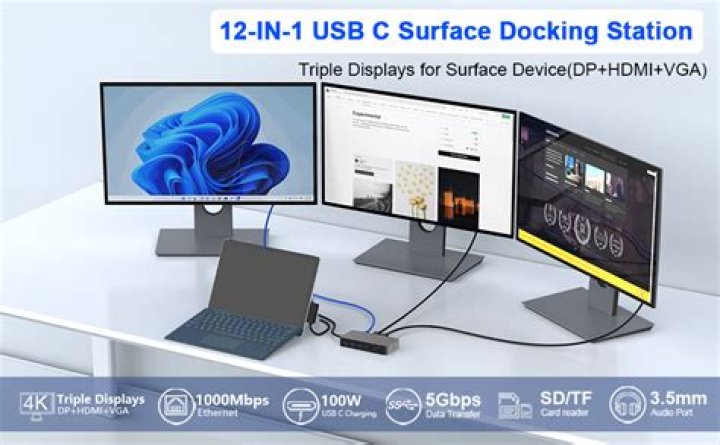
Just got this new system setup
- Surface Pro 7 (running Windows 10)
- MS docking station (mini DP port)
- Dell U2414H display (DP in port)
However the external display (U2414H) is stuck in 640 x 480 resolution and can't go beyond that (grayed out in display setting)?
1 Answer
After reading through this many pages long thread, I found one of the reply (credit: Ethan Chen) is super useful and solved my problem.
To help more users in the same boat, I've rewritten the answer and added references as follows:
Simply enabled DisplayPort 1.2 setting on the Dell U2414H display, then Surface Pro 7 can recognize it and use the desired 1920 x 1080 resolution.
For those of you curious about how to enable that setting, this video told me how (press 3rd button from the left to access the on-display menu). Also this manual (page 33) shows well how to use all the buttons.
Glad I don't need to try rolling back the Intel graphic driver or buying another USB-C display cable. Note that I did finish the two things mentioned in page 1 of that thread (clear cache and update firmware of the docking station). Had no luck but not sure if those eventually work in conjunction with the DisplayPort 1.2 setting.


