External device does not support DP alt mode even after fresh OS installation, ASUS ZenScreen
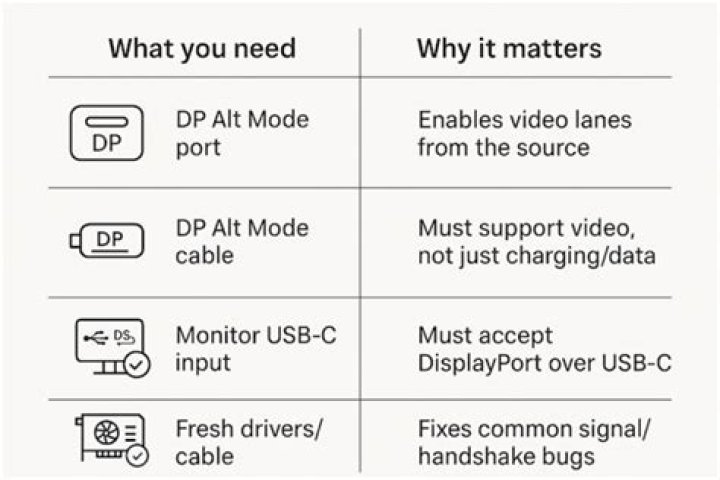
I have a ZenScreen ASUS MB16ACE works properly in WIN10 and before it worked in Ubuntu too, maybe 2 weeks ago or so it stopped with some update. I decided to re-install OS but problem continues
When I connected to Ubuntu 20.04.3 LTS it displays "Your device does not support DP alt mode: Please install the latest drivers". I browsed and found some posts related, this one has one workaround. I installed latest DisplayLink software and drivers from ASUS but it still continue without working even an device buss is assigned.
@PC:~/Downloads/ASUS_MB_Series_driver_for_Ubuntu_5.3.1$ lsusb -d 17e9:
Bus 002 Device 005: ID 17e9:4374 DisplayLink
I do not what else check, any hint, thanks
1 Answer
I had the same problem after installing the asus displaylink driver (5.3.1) to connect my zenscreen MB16ACE. It seems like the issue here is that the zenscreen is the first device I tried to connect (ubuntu ~20.04) that uses the usb 3.0 standard
Here's the displaylink driver for usb 3.0:
My screen started working after I installed it
2

