Excel vlookup formula returning wrong values
I have a list of user names and other data in one sheet, but it is missing user IDs. In a second sheet, I have a much longer list of user names with user IDs. I need to fill a column on the first sheet with the correct user IDs from the second sheet.
So, the "Replacements" sheet (the first one) has the user names in column C. Column A of the "IDs" sheet contains the user names and column B contains the user IDs. In each line of column D of the "Replacements" sheet, I have this formula:
=VLOOKUP(C12,IDs!A:B,2)The first 8 lines of the formula are returning "#N/A" and beyond that seems to be pulling user IDs. But around line 21, it starts randomly putting the same data as the line above, even though it doesn't correspond with the vlookup data anywhere on the document.
Is this a bug or am I doing something wrong? I've been building vlookups like this for years, but this is the first time I've seen this.
1 Answer
Use the forth criterion of VLOOKUP:
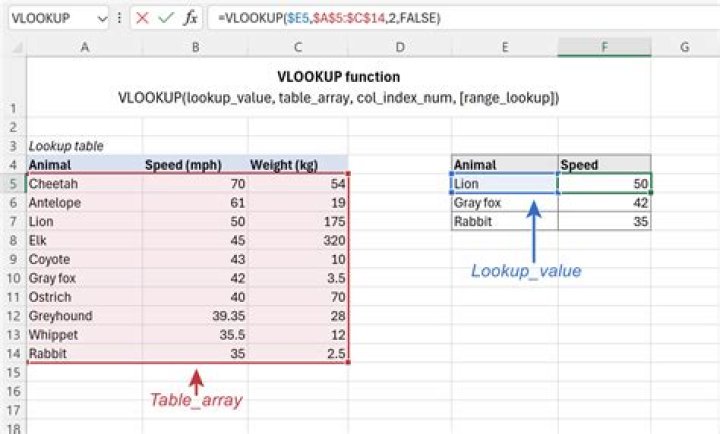
=VLOOKUP(C12,IDs!A:B,2,FALSE)By Omitting the forth criterion or setting it to TRUE the lookup column must be sorted in ascending order. And the lookup will find where the value is less than or equal to and the next value is greater than.
By setting it to FALSE it forces an exact match and order does not matter.


