"Ethernet" doesn't have a valid IP configuration
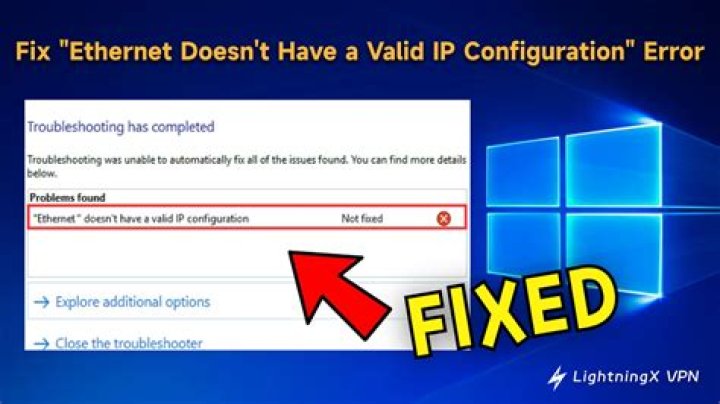
I'm using an ethernet cord to connect to my internet and it has been working well until Thursday morning when I turned on my laptop (Windows 8) to see a yellow triangle sign in the bottom right hand corner, in front of the ethernet connected symbol. Since then I haven't been able been able to access the internet from my computer. When I hover over it, it says that it is an "Unidentified network" and there is "No internet access". I've run the Windows 8 troubleshooting and it says that the problem found was ""Ethernet" doesn't have a valid IP configuration", but I'm unsure how to fix it.
I'm thinking that the problem is to do with my computer rather than my network, because I've tried another laptop (Windows 7) through the same ethernet cable and connection and the internet works fine on the other laptop. I've tried so many fixes that I've found online, with none of them actually working. Yesterday I even tried a full system reset, where I re-installed Windows 8, re-partitioned and wiped everything off the hard drive, but it still appears have the exact same problem.
Today I also purchased and tried a new ethernet cable which didn't work, so I then purchased a USB to Ethernet adapter, to make sure that it wasn't my ethernet port on my laptop that was faulty. That didn't work either, and the same problem still remains.
I feel like I've tried everything, so can someone please help me?
24 Answers
It seems you are still having trouble pinpointing the problem. In your situation, I would boot a Knoppix disc and carefully monitor the kernel log (dmesg) for any errors about "eth0". At best, this would lead to you finding out that the current ethernet adapter has malfunctioned and that there is nothing wrong with your windows.
If the network card is fine, on the other hand, then there could be a problem with either your DHCP client or the statically configured IP.
A possible error is that your network interface is receiving the same IP as another device in your network, causing it to be invalid. Notably though, previous windows would detect such errors and report them specifically.
Another possible error is that some other utility configures some part of the network (or all) information including broadcast, address, gateway, netmask, incorrectly or "forgots" to update it after you switch locations. Although somewhat far-fetched, I'm guessing something along the lines of a "mobile modem" could do it.
Try configuring your address manually. - Figure out correct information (gateway, netmask) from a functioning OS - Duplicate that information in the "ipv4 properties" of your "local area connection" - select a sensible address (10 higher or lower than what was found)
Try the following:
- Press the
+ X button.
- Click
Command Prompt (Admin). - Click
Yesif User Account Control window popups. - Type
netsh winsock reset catalogand press the Enter key. (ensure you have the spaces) - Type
netsh int ip reset reset.logand press the Enter key. (ensure you have the spaces) - Restart the computer.
Login and enjoy your surfing.
Maha Pappan
I had the same problem, solved it by restarting the "Wired AutoConfig" service. It may be relevant that on my machine, this service is set to Automatic.
- Press
+x button.
- Select "Computer Management" from the pop-up menu.
- From the "Computer Management" window, select "Services and Applications".
- From here, Select "Services".
- In the list of Services, select "Wired AutoConfig". Stop the service, then start it again.
Update the BIOS/UEFI.
- On the keyboard hit Windows key + R
- Type CMD and hit Enter.
- Type the following command:
wmic bios get smbiosbiosversion
You should get something like this:
Check if it is the latest version or not on the manufacturer's website.
Go to manufacturer website and get the latest BIOS firmware update.
- Restart the computer.
Warning: Be careful with the BIOS update (You will brick the laptop if the BIOS update is interrupted or goes wrong, also power cut during BIOS update will brick the laptop)!
Source: personal experience.
0

