Error: Can't open display: localhost:0
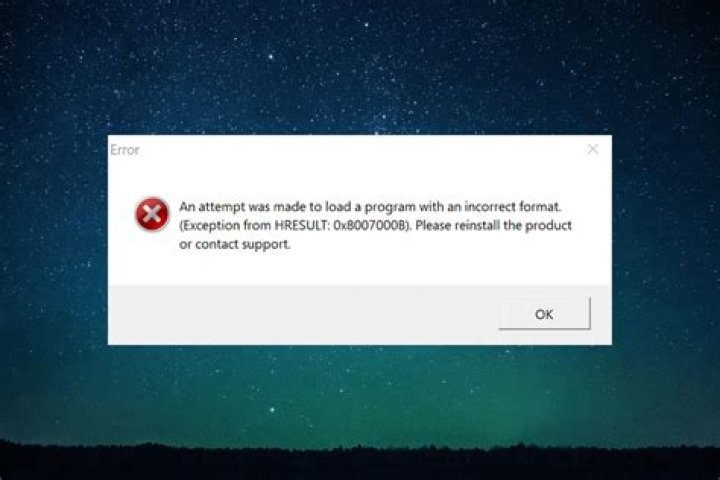
I am unable to run any of xorg's GUI applications such as xcalc, xclock etc on my local WSL Ubuntu 20.04.2 LTS. On running I am getting the following error message: Error: Can't open display: localhost:0
On running echo $DISPLAY, I get localhost:0. I also tried setting export DISPLAY=':0', which gives the same error: Error: Can't open display: :0
Not sure what I am doing wrong here.
Note: I had set export DISPLAY=localhost:0 in my .bashrc as advised by this page when I was trying to perform X11 forwarding from a remote server to my local machine. But now I'm getting an error even when simply trying to run the above mentioned commands on my local machine.
1 Answer
Restarting the terminal did not resolve the issue. However, restarting the machine did somehow resolve the issue.
4

