Epson Stylus CX4300 on Ubuntu 18.04.1 LTS
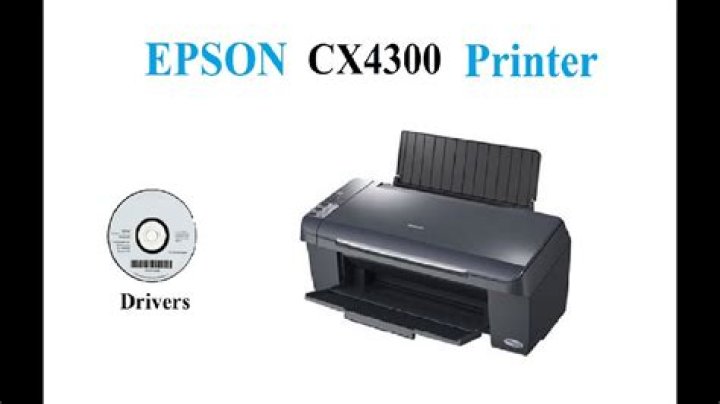
I have some problems with my Epson Stylus CX4300:
First - when I add the printer from Settings-Devices the specific driver for Stylus CX4300 doesn't exist in the data base, so I have to pick one between the CX4200 and CX4400.
Second - so I picked the CX4400, I noticed the printing process is slow, so I changed printing option and choose fast economy then start printing, and suddenly the printer shutdown, and when I start it again it won't print anything as if the printer is in stand-by.
Third - the scanner doesn't work at all.
Fourth - I try to get the driver of the CX4300 from Epson web site, and I didn't find any for Debian 64bit.
Reset to default

