Edit dual boot menu
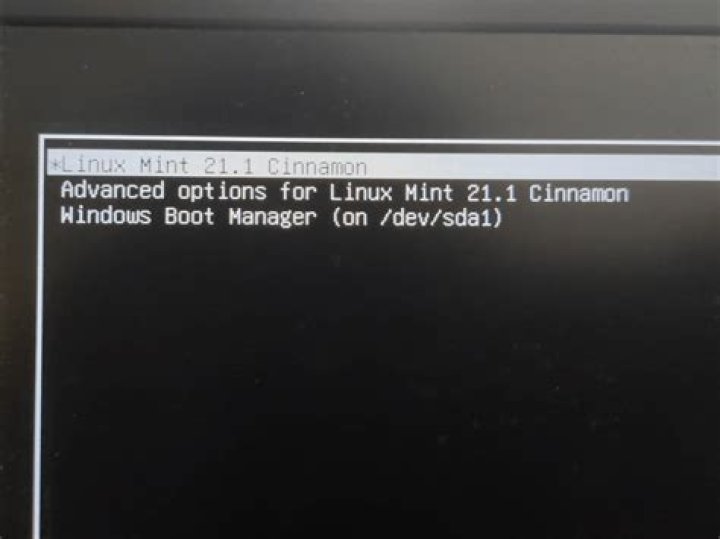
I have currently installed Ubuntu 14 and windows 10 alongside. For some reason, in the boot loader it shows of course Ubuntu, ando 2 entrys that say Windows 7. Both of them take me correctly to my windows 10, but it really bugs me and I want to change it to Windows 10 and remove one of them.
How do I do it?
1 Answer
You can do it with the graphical tool grub-customizer
sudo add-apt-repository ppa:danielrichter2007/grub-customizer
sudo apt-get update
sudo apt-get install grub-customizer
This tool lets you add/remove/rename boot entries, change boot order etc.
Once you are done do not forget to save your modification: File > Save
Be careful when using this tool to not mess up GRUB.
1

