Eclipse app icon not showing in switcher (alt+tab)
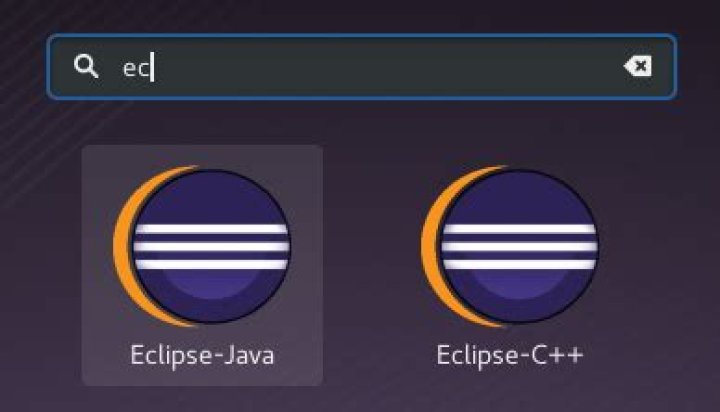
I installed the latest Eclipse as per the instructions here, and the icon shows fine in the launcher, but shows as a blank icon with an exclamation mark when using ALT+TAB to switch between applications. Should I copy the eclipse.xpm file to another folder other than usr/share/pixmaps/ so the switcher can see it, or what should I do?
Image: Switching between apps with ALT+TAB:
versus launcher icons:
1 Answer
Open the .desktop file associated with Eclipse. Add the following line to the file and save the file:
StartupWMClass=Eclipse

