E: GPG error: http://mega.nz ./ InRelease: Clearsigned file isn't valid, got 'NODATA' (does the network require authentication?)
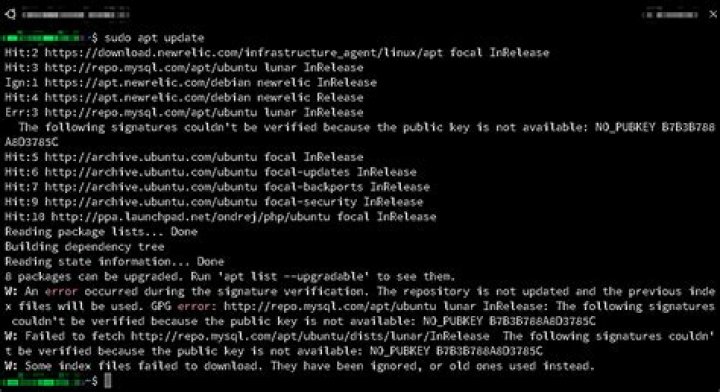
Running Xubuntu 14.04LTS
Originally, I was getting the following error
E: GPG error: ./ Release: The following signatures were invalid: NODATA 1 NODATA 2Did what this answer told me to do, tried updating again. New problem arose.
E: GPG error: ./ InRelease: Clearsigned file isn't valid, got 'NODATA' (does the network require authentication?)How do I fix this?
13 Answers
I had the same error. Since its a recent issue, i believe it must have been a problem with the megasync server. I fixed it by going to /etc/apt/sources.list.d and then deleting all the files that started with mega using :
sudo rm mega*
Then run:
3sudo apt-get update
I'm having the same error.
Though the above mentioned technique may work, I'll suggest a more cleaner way
- Go to System Settings -> Software & Updates -> Other Software.
- Uncheck the option containing
./ InRelease.
This will get your apt-get update working without having to remove your configuration settings.
Lastly wait for Mega to create a patch for this bug and re check the the box again using the same steps.
Megasync GPG issue is fixed by reinstall.(UBUNTU18.04) Open "software and update",then delete "" ripository.
sudo apt-get --purge remove megasync
rm -rf ~/.local/share/data/Mega\ Limited
sudo apt-get update
sudo apt-get upgrade
sudo apt autoremove
Download megasync-xUbuntu_18.04_amd64.deb from MegaSync
sudo dpkg -i megasync-xUbuntu_18.04_amd64.deb
sudo apt-get -f install
launch Magasync.


