Dell XPS 13 2-in-1 won't boot (failed to connect to lvmetad, hard drive not detected)
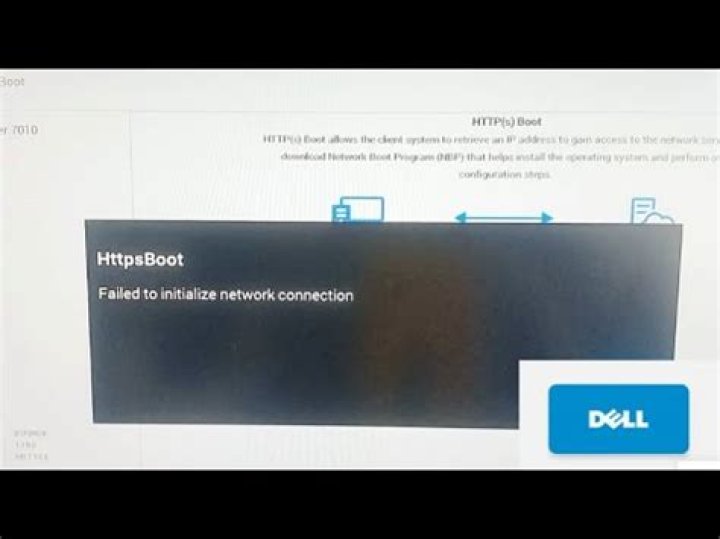
This problem has been troubling me for a while, and it also appears to be a very popular question. However, despite my best efforts, I can't get any of the suggestions I've found to work.
I have Ubuntu 18.04 installed on a Dell XPS 13 2-in-1, and occasionally, maybe every few weeks or months, it just won't start up. When I got the machine, it had Windows installed, and I wiped everything to install Ubuntu. Here's the general timeline of what happens.
First, I'll see some error that complains of a read-only file system. For instance, last night, I was running a program that runs a bunch of Python scripts, and it gets halfway through, and just starts throwing errors because the files are supposedly read only. Another time, I could not even change directories in a terminal because it says “cannot create temp file for here-document: Read-only file system.”
Second, it goes to a black screen and says "WARNING: Failed to connect to lvmetad. Falling back to device scanning." I have to restart manually at this point.
Third, it won't boot. On startup, it emits super loud single beep noise, and it complains that the hard drive isn't detected. See attached image.
In the past, I've fixed this temporarily by restarting about twenty times, and eventually, it has always gone back to normal. However, I'd like to take care of it for good.
Edit:
Here's another message I got when it failed back to a black screen: "nvme nvme0: failed to set APST feature (-19)". It paused for a few minutes, and then I get "EXT4-fs error (device dm-0): ext4_find_entry:1436:inode #4064582: comm gdm3: reading directory lblock 0"
3 Reset to default

