Dell Latitude 3340 Twitching mouse cursor when using touchpad or just resting 1 finger on touchpad!
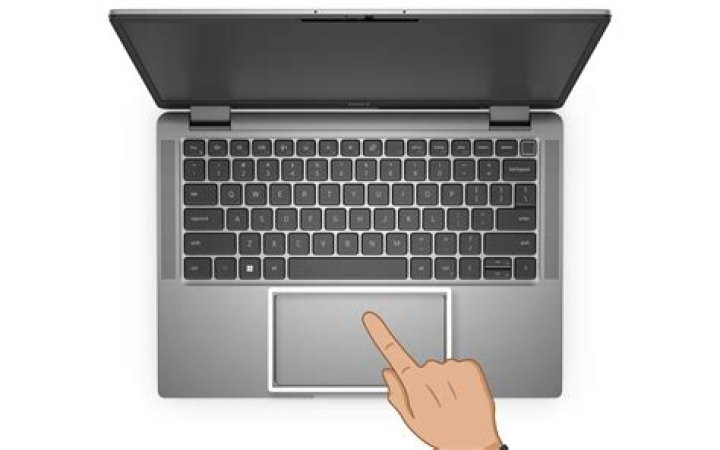
So I have been going through many of the forum posts here, even some who are addressing same issue as I have but not with a "real" fix!
My problem is the mouse pad, when I use ubuntu, acts erratic and twitchy. I can be trying just to move the cursor slowly and it will go nuts/acting up completely going up and down and to the sides very very fast and very very twitchy. The thing happens at random moments, which could be addressed to a pressure issue, but I don't think it is. It makes it impossible sometimes to just mark some text or click minimize on a window!!!!
What I so far found out is people say its most likely the pressure point, But I have tried that now and STILL have the problem (btw problem wasn't there in windows).
So far "only" thing I tried, as I'm scared of changing something major, is the PressureMotionMinZ, which I changed to 30 instead of the standard 15. But I have experienced the jumping mouse even after changing it. And its badly starting to annoy me. I have disabled as many functions on the touchpad as possible in hopes that it would be something like 2 fingers making the problem.
I am gonna try to reduce the PressureMotionMaxZ as the next thing, as It could seem to happen when I might apply too much pressure, but I don't think it is (worth a shot though).
Anyways, someone Please help! As this thing could be my end of using ubuntu, even though I enjoy it way more than Windows, this simple problem is starting to piss me off badly.
I seem to have found a way to force it out, If I rest my middle finger at the middle of the touchpad and then slowly move my two neighbor fingers towards the mouse pad/touchpad then it at a point starts jumping like crazy, until I lift the neighbor fingers again, like it recognize the other fingers before they even touch the touchpad or my middle finger reaches a specific pressure on the touchpad when I move the two other fingers... Im confused!
My current synclient settings:
Parameter settings:
LeftEdge = 300
RightEdge = 1700
TopEdge = 210
BottomEdge = 1190
FingerLow = 12
FingerHigh = 15
MaxTapTime = 180
MaxTapMove = 107
MaxDoubleTapTime = 180
SingleTapTimeout = 180
ClickTime = 100
EmulateMidButtonTime = 75
EmulateTwoFingerMinZ = 141
EmulateTwoFingerMinW = 7
VertScrollDelta = 48
HorizScrollDelta = 48
VertEdgeScroll = 1
HorizEdgeScroll = 1
CornerCoasting = 0
VertTwoFingerScroll = 0
HorizTwoFingerScroll = 0
MinSpeed = 1
MaxSpeed = 1.75
AccelFactor = 0.0819336
TouchpadOff = 0
LockedDrags = 0
LockedDragTimeout = 5000
RTCornerButton = 0
RBCornerButton = 0
LTCornerButton = 0
LBCornerButton = 0
TapButton1 = 0
TapButton2 = 0
TapButton3 = 0
ClickFinger1 = 1
ClickFinger2 = 1
ClickFinger3 = 0
CircularScrolling = 0
CircScrollDelta = 0.1
CircScrollTrigger = 0
CircularPad = 0
PalmDetect = 0
PalmMinWidth = 10
PalmMinZ = 100
CoastingSpeed = 20
CoastingFriction = 50
PressureMotionMinZ = 30
PressureMotionMaxZ = 80
PressureMotionMinFactor = 1
PressureMotionMaxFactor = 1
ResolutionDetect = 1
GrabEventDevice = 1
TapAndDragGesture = 1
AreaLeftEdge = 0
AreaRightEdge = 0
AreaTopEdge = 0
AreaBottomEdge = 0
HorizHysteresis = 12
VertHysteresis = 12
ClickPad = 0
2 Answers
Touchpad driver problem? I had a problem with my touchpad on a Dell Latitude 3340 with Ubuntu 12.04 preinstalled by Dell. My touchpad was not recognized as a touchpad. Funny that Dell sells stuff that are supposed to work out of the box, but they don't.
After a lot of searching, trial and error I got it fixed with these instructions:
Look at mikesmithv suggestion (7th answer from bottom up).
My touchpad works and is recognized as a touchpad.
1My similar problem on a Macbook 2,1 was solved by increasing the values of HorizHysteresis and VertHysteresis options in Synaptics. For those who have no idea how to do it, I described the procedure (with a different value being changed) in great detail in this answer.


