Deactivate weather server (aviationweather.gov) Mate 16.4
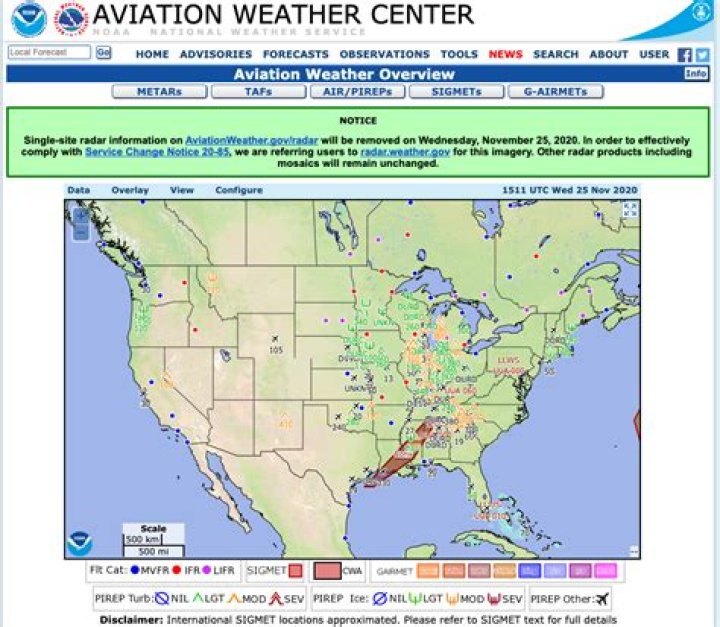
Since I've set a location in Ubuntu Mate, it's getting weather forecasts every few seconds. How can I disable it? I've already removed the location again, but Ubuntu still keeps getting information from aviationweather.gov. Would be glad for any tip for disabling it, because it's waking up my device all the time.
21 Answer
I did search for "aviationweather.gov" on Debian CodeSearch and I see that this URL is used in the libmateweather package.
This library is used by MATE Panel. The weather is usually shown in two places - in the left part of the Clock and inside Calendar applet.
To switch off the polling do the right mouse click on Clock applet, select Preferences and uncheck Show weather checkbox on General tab:


