ddclient Running Info
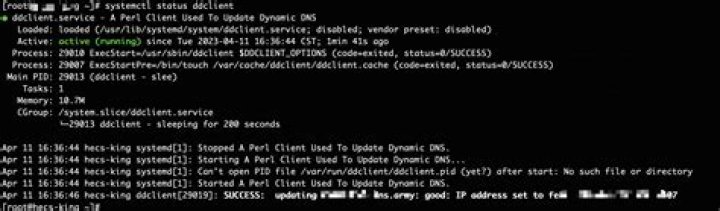
ddclient seems powerful, however the only status message I can see is that it is running, by doing sudo /etc/init.d/ddclient status.
Is it possible to check what current ip is cached? since when? what's the time left until the next check? what's the host associated?
Just like No-IP client for Windows.
4 Answers
I think what you're looking for is: sudo ddclient -query
That command will spit out the local IP addresses of all the interfaces on the machine (eg: lo, eth0, wlan0) followed by the dynamic public IP addresses current set for with dyndns.com.
Peace.
You can also run the following command:
sudo ddclient -daemon=0 -debug -verbose -noquietThis will provide the send, connected, and receive to show you a complete visual of the completed calls and it will provide a success or fail at the end.
1The following command gives the status of all services:
"service --status-all"
Try also:
"ps -ef"
to know how long a service has been "sleeping." This will let you know when ddclient will attempt to update your IP address.
I added verbose=yes in /etc/ddclient.conf and information showed up in /var/log/syslog.