DBAN USB Boot fails, boot disk not detected
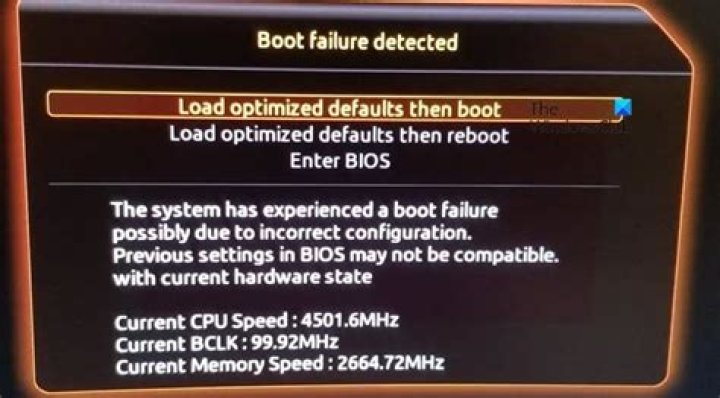
After trying many variations, I cannot get DBAN USB to boot. I've tried exactly, and variations of How to install DBAN (Darik's Boot and Nuke) on an USB flash drive larger than 4GB and make it bootable on an UEFI-equipped PC? answer #12.
- diskpart as described and CLEAN.
- Disk Management create new volume size 1024MB. FAT first, then FAT32 (not detailing everything as listed in answer link above)
- Format with Disk Management and without (because you can select/deselect format in UUI)
- Use UUI (universal usb installer) with dban-2.3.0_586.iso (and dban-2.0.0_powerpc.iso. When FAT only was used, UUI complained. With FAT32, everything completed OK.
(I have a WINtoUSB stick formated image and windows boots and runs fine from this USB stick.
Note: BIOS boot order is OK because the
WINtoUSB boots great on 2 computers running win10)
When comparing USBs, the WINtoUSB in disk management displays NTFS, Healthy (Active, Primary Partition), but the dban usb displays FAT32, Healthy(basic, Data Partition)
- Having failed to boot many variations of the above I tried YUMI-2.0.9.3.exe to write the DBAN as well as YUMI-UEFI-0.0.4.4.exe without success booting.
Both computers in BIOS are set CMS=ENABLED, Secure boot=DISABLED and USB/CD Legacy at the top of the boot order.
What got me started on the crazy quest was I wanted to get DBAN logs. After I made a 32GB stick allocating only 1 GB FAT (and the rest unallocated) I got DBAN to write a log. Then I thought, why not boot DBAN from USB and have logs on the same stick?
BUT I JUST CAN'T GET DBAN TO BOOT!! HELP!!
1 Reset to default

