create directory structure from tree command output
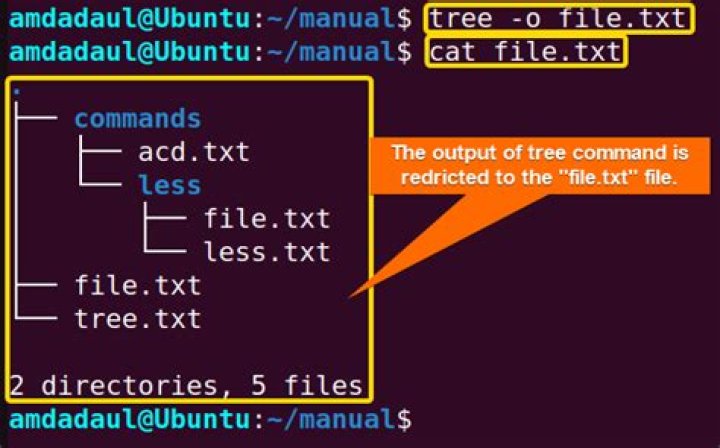
I have few tree command output of some directory structures (in text files). It looks something like:
% cat tree.txt
.
├── grandpartest
│   └── partest
│   └── test
│   ├── empty-asciidoc-document.adoc
│   └── empty-asciidoc-document1.adoc
├── grandpartest2
│   └── partest2
│   └── test2
│   ├── empty-asciidoc-document.adoc
│   ├── empty-asciidoc-document1.adoc
│   └── empty-asciidoc-document2.adoc
├── grandpartest3
│   └── partest3
│   └── test3
│   ├── empty-asciidoc-document.adoc
│   ├── empty-asciidoc-document1.adoc
│   ├── empty-asciidoc-document2.adoc
│   └── empty-asciidoc-document3.adoc
└── tree.txt
9 directories, 10 files
Is there any way I can parse these text files to create similar directory structure?
I know I can use mkdir -p and touch to create this directory structure. But the main thing I am interested in is to parse the text file to get the values to use with these commands.
Update 1:
As per the request of @muru
% cat tree-j.txt
[{"type":"directory","name": ".","contents":[ {"type":"directory","name":"grandpartest","contents":[ {"type":"directory","name":"partest","contents":[ {"type":"directory","name":"test","contents":[ {"type":"file","name":"empty-asciidoc-document.adoc"}, {"type":"file","name":"empty-asciidoc-document1.adoc"} ]} ]} ]}, {"type":"directory","name":"grandpartest2","contents":[ {"type":"directory","name":"partest2","contents":[ {"type":"directory","name":"test2","contents":[ {"type":"file","name":"empty-asciidoc-document.adoc"}, {"type":"file","name":"empty-asciidoc-document1.adoc"}, {"type":"file","name":"empty-asciidoc-document2.adoc"}, {"type":"directory","name":"Untitled Folder","contents":[ ]} ]} ]} ]}, {"type":"directory","name":"grandpartest3","contents":[ {"type":"directory","name":"partest3","contents":[ {"type":"directory","name":"test3","contents":[ {"type":"file","name":"empty-asciidoc-document.adoc"}, {"type":"file","name":"empty-asciidoc-document1.adoc"}, {"type":"file","name":"empty-asciidoc-document2.adoc"}, {"type":"file","name":"empty-asciidoc-document3.adoc"} ]} ]} ]}, {"type":"file","name":"tree.txt"}, {"type":"file","name":"tree-j.txt"} ]}, {"type":"report","directories":10,"files":11}
]
% cat tree-j.txt | parse-tree
Traceback (most recent call last): File "/home/blueray/_resources/dotfiles/python/parse-tree", line 18, in <module> process(structure) File "/home/blueray/_resources/dotfiles/python/parse-tree", line 10, in process os.mkdir(entry["name"])
FileExistsError: [Errno 17] File exists: '.'1 Answer
Parsing the usual output of tree is tricky - it's not some standard form like, say, a CSV. Standard, structured formats like JSON would be better, since you'd need to encode at least two or three pieces of information per entry (name, type, and additional information like link targets or directory entries that would vary according to file type). tree -J does provide pretty simple JSON output, and you can use Python, which is part of default Ubuntu installations and has JSON processing in the standard library, to process it:
#! /usr/bin/env python3
import json
import os
import sys
def process(entries): for entry in entries: if entry["type"] == "directory": os.makedirs(entry["name"], exist_ok=True) # Thanks @pLumo os.chdir(entry["name"]) process(entry.get("contents", [])) os.chdir('..') if entry["type"] == "file": with open(entry["name"], "w"): pass if entry["type"] == "link": os.symlink(entry["name"], entry["target"])
# read standard input
structure = json.load(sys.stdin)
process(structure)
This only handles directories, regular files and links; you'll need to add conditions for other file types (not sure how tree handles block devices, character devices, etc.).