Couldn't find my partitions
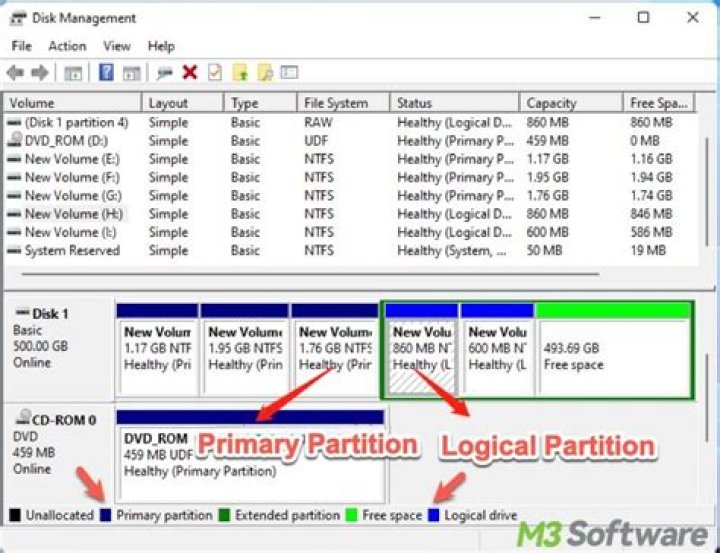
I tried to install kali linux 2019 latest version today. I downloaded the i386 image file. Fact is that i wanted a dual boot. I used rufus with DD mode to write the image on a USB. Then i booted the USB & the kali menu arrived, i chose graphical install & all went right till the hard disk selection. I don't find my hard disk partitions. But my hard disk is fine as it's working well with windows 10. I think i downloaded the wrong image because my processor handles x64 base. Is it the reason? Wht should i do? Should i download the 64bit from the kali.org?
11 Answer
Mostly does not depend on architecture. You need to check
- Whether the disk is encrypted. If it is encrypted check the disk management utility in control panel and decrypt it.(Or any other method provided by the manufacturer)
- Whether it is a ssd. Debian does not support RAID and RST. If it is ssd then check the bios settings and enable ahci in SATA mode setting. Use this link to check how to change. (Some laptop vendors hide this menu. For acer laptops to unhide option press ctrl+s)
Also try enabling/disabling safeboot
4

