Correct BIOS configuration for a Gigabyte Windows 10 Pro USB installation
Trying to install Windows 10 Pro using the USB thumb drive that came directly from Microsoft. It is how they distributed the OS for retail sale.
This is a new system with a Gigabyte motherboard (model GA-Z270M-D3H) and a Crucial SSD as SATA0.
When I turn on the machine, the Gigabyte splash screen appears but nothing else happens. It just sits there.
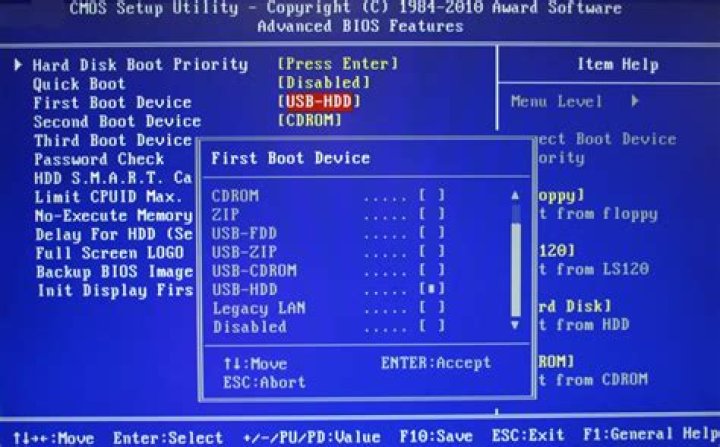
I've taken a picture of my BIOS settings. I've never worked with Gigabyte before, only ASUS. Do I have the boot sequence set up correctly?
P.S. When I turn off CSM, save and exit, not even the Gigabyte splash screen appears, just a blank screen. Had to clear CMOS using the jumpers.
P.P.S. Choosing boot option #1 (UEFI:... MSFTWindows 10 PMAP Partition1) from the Boot Menu does nothing; the Gigabyte splash screen remains. Choosing boot option #2 (KDI-MSFTWindows 10 PMAP) results in BOOTMGR image corrupt error. Microsoft tech support says "that's a problem with the M/B". Gigabyte tech support advised to "download the ISO and use Media Creation Tool".


