Converting or playing a .264 video file?
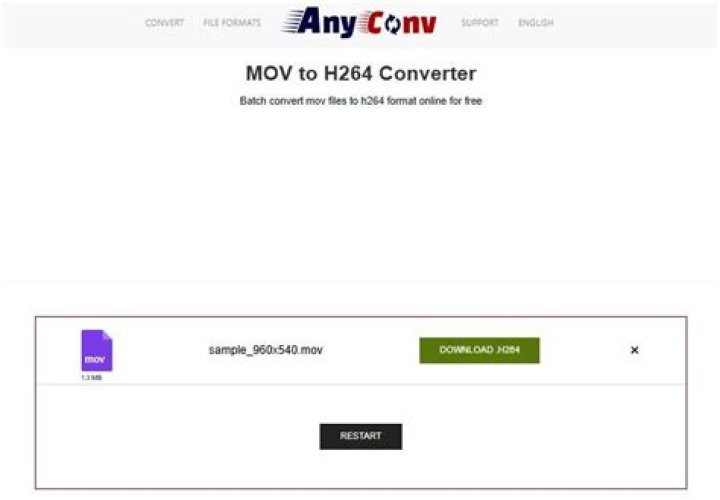
I recently bought a Chinese brand DVR (to record security cams). The DVR exports the video files with a ".264" extension. This is my first time ever dealing with this video format.
Anyhow I've been trying to convert the videos to any other format so it will be easier to watch the videos.
The problem is that I could only find one program that can convert and play those files which is Elecard studio something, and even that Elecard studio thing is having trouble with these files, some of them are just making it crash so I can't convert them.
I've tried to find some other programs but I couldn't find anything that can actually play those files.
How can I play or convert these files to another format?
68 Answers
Judging from their extension, these videos probably are "raw" h264 files - they contain just the video data, without any audio and outside of the container.
Because they don't contain any headers, media players are unable to understand their contents - however I believe that you can play such files if you declare that they do contain h264 video !
I can see that you downloaded ffmpeg - you could try to play the video with ffplay using something like
ffplay -f h264 test.264Other video players have similar options to declare the contents of the file to play. Probably vlc also has such an option however I don't have VLC installed and cannot search for it.
In any case, since the Elecard studio is able to handle these files, they will contain h264 video - you can upload a small one somewhere and I will download and try to play it to tell you my conclusions.
1My brother has the same issue. I am still working out how to convert these files which are full of errors.
To play the files use mplayer
Run the following commands, if one does not work, attempt the other
mplayer -fps 25 filename.264
mplayer -fps 30 filename.264
You have to run mplayer from a DOS/Command window but the effort is worth it as it will "skip" over the errors allowing you to view the files.
Now for a way to convert these files.
You can use ffmpeg to easily and quickly convert the .h264 file into mp4
ffmpeg -i yourfile.h264 -codec copy video.mp4I personally did this just today and it worked perfectly.
Source:
Have you tried using VLC? - it generally plays everything, can to some nifty conversion, and is free.
6If I understand your question, you're looking for software to play .264 format videos? Go to and download the software for the SN501. Included in the software package is R6Viewer. Open R6Viewer and click Open and choose the file you wish to view. If you want to convert to .avi it only seems to work while the video is playing. I can view and convert videos using XP 32bit but can only playback those .avi files on Windows7 x64.
2Those chinese DVRs usually come with a CD with a bunch of software in it, and one of them is the converter software. See if you've got that CD in the box.
1This worked for me on Linux:
sudo apt-get install x264
x264 raw_stream.264 -o playable_video.mp4
The MP4 files are playable in VLC and Totem (default video player on Ubuntu) afterwards.
0Short answer: change the file's extension to .avi.
Long answer:
- Go to
My Computer - Click
organizeat the top of the window pane - Click
Folder and Search Options - Make sure that hide extensions for known file types is unchecked.
- Right click and change the file's extension from
.264to.avi
Then it should work with Media Player, Movie Maker, etc.
1

