Converting a .VOB file into .mp4 or other format to decrease the video memory size
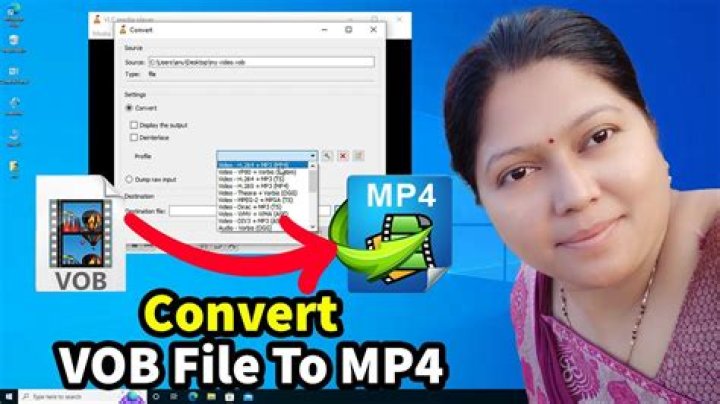
I have a folder that contains few .VOB format file. The folder actually contains a movie and typically a movie of that length would occupy 2 to 5 GB but the folder I have is 18 GB!
Is there any way I can convert it to .mp4 or any other format to reduce the space it occupies.
I have tried the following command, ( not sure what it does exactly) but I ended up with the same size of video.
ffmpeg -i movie.VOB -c:v copy -c:a copy out2.mp4 2> log.txtWould be grateful for any help.
1 Answer
You're stream copying (re-muxing) the video and audio with -c:v copy -c:a copy. Think of it like a copy and paste.
If you want to reduce the size you'll need to re-encode it. The simplest command would be:
ffmpeg -i input.vob output.mp4- See FFmpeg Wiki: H.264 for more details.
- For max compatibility I suggest also adding
-vf format=yuv420pas an output option (put it beforeoutput.mp4).


