Consolidate multiple computer hard drives to a single computer
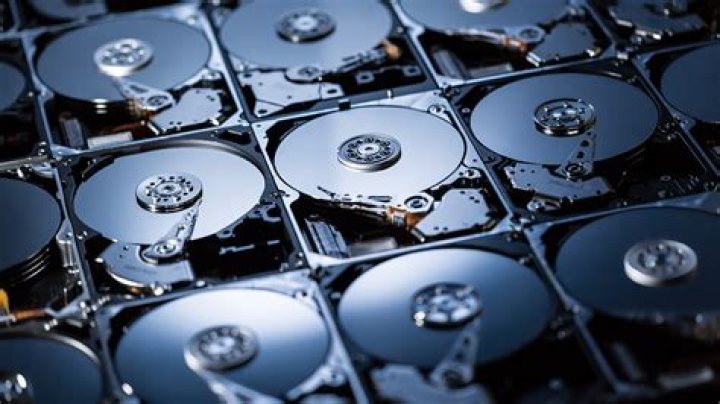
I have no less than 6 old desktop computers from different family members in our house. According to these family members, they all have various degrees of 'important' information on them, and most of them are rather old. They range anywhere from circa 2003 to present.
For our house, we will be buying exactly 1 new desktop going forward (with a huge amount of disk space), and I'm going to try to consolidate all the data from all those computers onto a single machine. How would you all recommend I get this done? I do not want to sift through the data on all of these machines. I'd really just like to completely copy all the stuff on these hard drives to the new machine someplace and deal with the data at a future point in time. If it was easy to somehow hook up all the hard drives from all of them and make them slaves for the new device somehow, I'd consider doing that, but that is probably not possible? I am not entirely sure if all the old machines still boot, but probably? They are all Windows machines from 2003 to present...
Any help or advice would be greatly appreciated!
Thanks, Mark
13 Answers
I have two ideas and both involves buying a large HDD
1.-If it's just for storage purpose get an image of the drives. The you disconnect that drive and store it. If someone needs it you can burn it even to a thumb drive if you want.
2.-I you need the content avaliable to them, copy all content in organized fashion. Force delete folders such as Windows, Programs files, etc. And then put it on the homegroup with user password.
3(optional).- Put them on a pendrive a give it to each one of them.
If these are old machines, then those must no take much space and put it all toguether in one place. You could even look on the cmd dir /s *.extension. Go further and use a copy to move the files like, xcopy /s drive:\*.extension big_drive:\old_drive_backup if you manually don't wan't to do it.
Cheers
As above, and depending on requirement for Access to the data. If not (or not often): image the drives with linux dd. If you require some kind of access I'd create a c:\olddisks\1,2,3,4 etc and use linux' rsync to do a file-level copy off each drive. It is unlikely you will buy a motherboard with enough connectors to have all your drives in at once, so you will be swapping out drives to do either. NAS solutions will exist but I would not trust slotting in any, but especially multiple, windows boot drives.
If they run windows VHD's probably the best option.
disk2vhd's a simple tool for imaging a hard disk drive into a VHD. You can then mount a VHD with the disk management mmc (create and format hard disk partition-> action -> attach VHD with windows 7 and newer.
The images just use the space used on the hard disk (rather than including empty space) so it'll be more efficient than DD, and simple to mount on a windows host


