Connecting to SVN
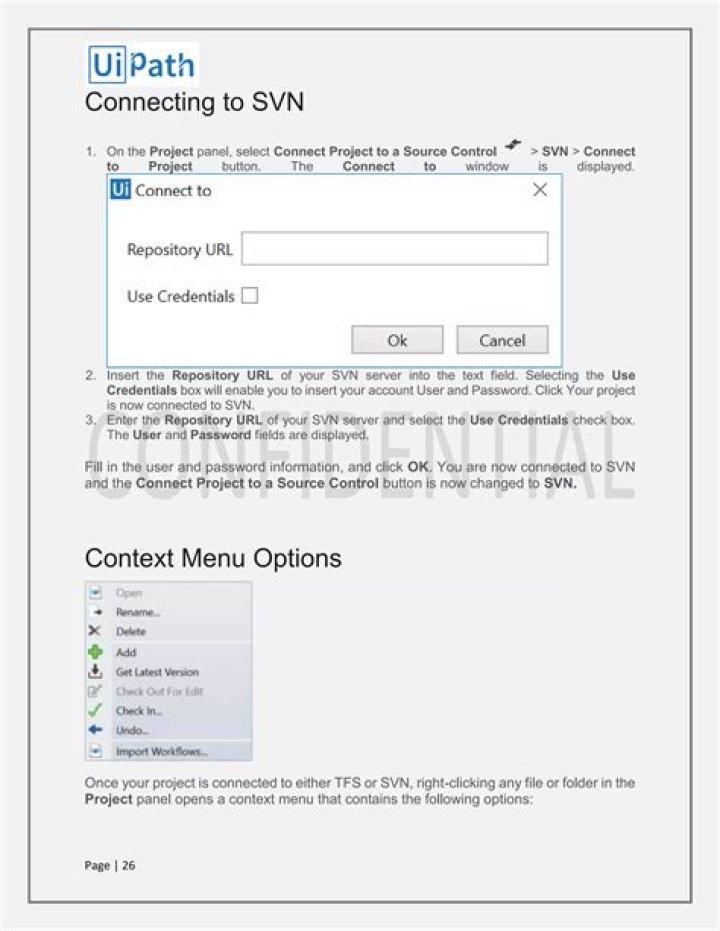
I am trying to connect to SVN but finding it hard to have all set up.
I've installed the server on my VPS (not part of my LAN).
I've installed SVN and Tortoise on my local PC. Visual Studio 2012 detects it.
According to the video tutorial on their website, I click on VisualVSN -> Add solution to subversion. I then click Next and then choose existing repository. It now wants the URL and this is where I'm lost.
The tutorial says, on the server SVN admin panel, right click on your repository and copy the URL. Mine looks like
This has left me confused, I don't see how this can work (and it doesn't), since I have not set up a subdomain called SE30, nor have I configured any bindings in ISS!
The error I get adds to my suspicion:
Unable to connect to a repository at
No such host is known
I even tried to disable Windows firewall on the VPS, same issue persists.
Is any one able to confirm if I need to configure the DNS records first?
1 Answer
I updated the string to use the IP instead
This worked fine and I didn't need to configure DNS


