Completed Tasks in Outlook
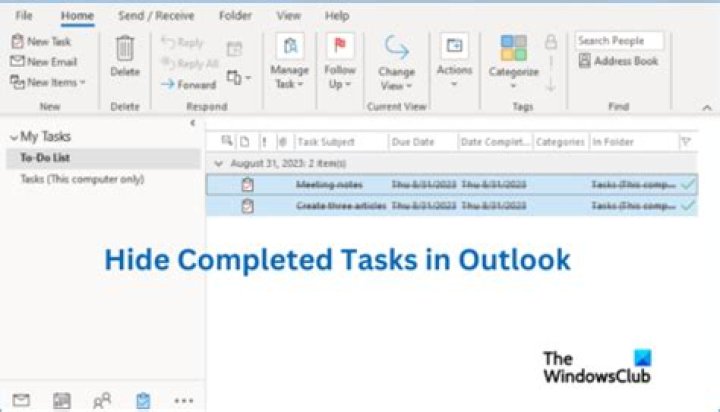
When I am in the tasks screen I can check off tasks and they will disappear.
However, if I am in the calendar view, they show up with a line through them rather than disappear. How can I change this?
1 Answer
The To-Do List has a filter applied that -by default - removes tasks that have a completion date or Flag Completed Date.
The Calendar view doesn't have the same sophisticated filter, but you can hide completed tasks.
- Go to the Calendar view.
- Right-click in the empty area below the last task.
- Select Arrange By and uncheck Show Completed Tasks.


