Command Line utility to see list of tasks CPU Usage, Memory, and execute
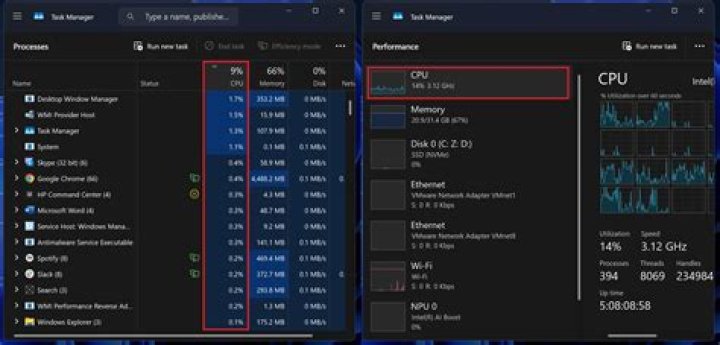
I want to log, every 10 minutes, list of all the apps in windows that now running, the CPU usage, and memory usage.
I have many node.exe tasks, so I want to see the arguments of the task (for example: node c:\myscript.js
I tried: tasklist/? but didn't found anything related to cpu usage.
I tried: procexp/? but didn't found anyway to export the list to file (or show in console)
I tried: cprocess (NirSoft), it can dump to file, and show CPU, but it don't give the arguments of the exe that runned.
Any idea?
4 Answers
You can use the tool typeperf.
To list all processes:
typeperf "\Process(*)\% Processor Time" -sc 1List all processes, take 5 samples at 10 second intervals:
typeperf "\Process(*)\% Processor Time" -si 10 -sc 5If you want a specific process, node for example:
typeperf "\Process(node)\% Processor Time" -si 10 -sc 5You also can dump it to a csv file and filter in a spreadsheet to remotely diagnose issues.
The following gives me 5 minutes (at 10 second intervals) of all processes. The data includes not just % Processor Time, but IO, memory, paging, etc.
typeperf -qx "\Process" > config.txt
typeperf -cf config.txt -o perf.csv -f CSV -y -si 10 -sc 60
More info:
1Without dependence on system localization:
1typeperf "\238(*)\6" -sc 1
typeperf "\238(*)\6" -si 10 -sc 5
typeperf "\238(_Total)\6" -si 10 -sc 5
typeperf has two drawbacks:
typeperfwith arguments as english names won't work on non-english machines, andtypeperfwith arguments as numbers will break because those numbers vary by machine. (Source: )
To avoid those drawbacks, you can use powershell's Get-WmiObject cmdlet. It uses different names compared to typeperf, but you can get the same information, as far as I can tell.
I think that running these commands in powershell will give you what you want:
echo 'Map of process ID to command line:'
Get-WmiObject -Query "Select * from Win32_Process" | Select-Object -Property ProcessId,ExecutablePath,CommandLine | ConvertTo-Csv -NoTypeInformation
echo 'Map of process ID to memory usage:'
Get-WmiObject -Query "Select * from Win32_PerfFormattedData_PerfProc_Process" | Select-Object -Property IDProcess,Name,PageFileBytes,PoolNonpagedBytes,PoolPagedBytes,PrivateBytes,VirtualBytes,WorkingSet | ConvertTo-Csv -NoTypeInformation
echo 'Map of process ID to CPU usage:'
Get-WmiObject -Query "Select * from Win32_PerfFormattedData_PerfProc_Process" | Select-Object -Property IDProcess,Name,PercentProcessorTime | ConvertTo-Csv -NoTypeInformation
echo 'Many people want to do some massaging of the "PercentProcessorTime" numbers above,'
echo 'because in their raw form those numbers (for a single process) can be over 100 percent.'
echo 'So divide all of the "PercentProcessorTime" numbers by this number:'
Get-WmiObject -Query "Select * from Win32_ComputerSystem" | Select-Object -Property NumberOfLogicalProcessors | ConvertTo-Csv -NoTypeInformation
If someone does not comfort with complicated PowerShell, I suggest gotop. It is a handy CLI tool helps you check resource usage in beautiful interface.


