Command line check if a certain bluetooth device is discoverable
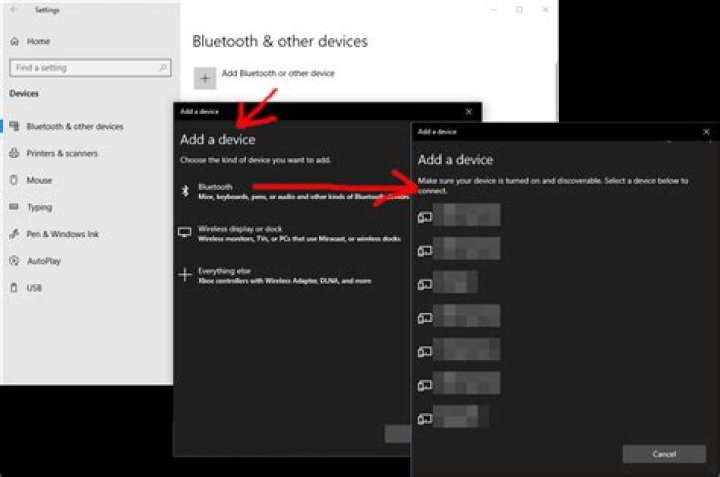
I am developing a production test for a piece of electronics. At one stage this electronics board should appear as discoverable through Bluetooth, on my test computer. What I want is a command line (or powershell) command that allows me to either list all discoverable devices (then I can regex for the board), or to query directly for it. I don't have to connect to it, I just want to see if it's broadcasting.
The board will identify as 'S2-yyyy-nnnnn'. My test board is 'S2-2020-00014'.
I'm quite out of my depth here.
A found a command that will output 'OK' if my bluetooth headphones are connected, and 'Unknown' if they are not.
Get-PnPDevice | Where-Object -FilterScript { $_.Class -eq 'AudioEndpoint' -and $_.FriendlyName -like '*WH-*' }But this AudioEndpoint is a class. I don't know the class of this board. Also, I suspect I would need a different command, considering this board will not ever have been actually connected to.
I would prefer this to be solved through either command line or powershell, for simple automation, and less software to install on any future test computer.
I have a board here, and I can connect to it, so if I can be of any assistance to find the class (if needed), please let me know.
31 Answer
I've decided to use a 3rd party command line tool instead, since I don't want to spend too much time on this.
Works fine for my needs.


