Clone or fresh install for HDD to SSD change?
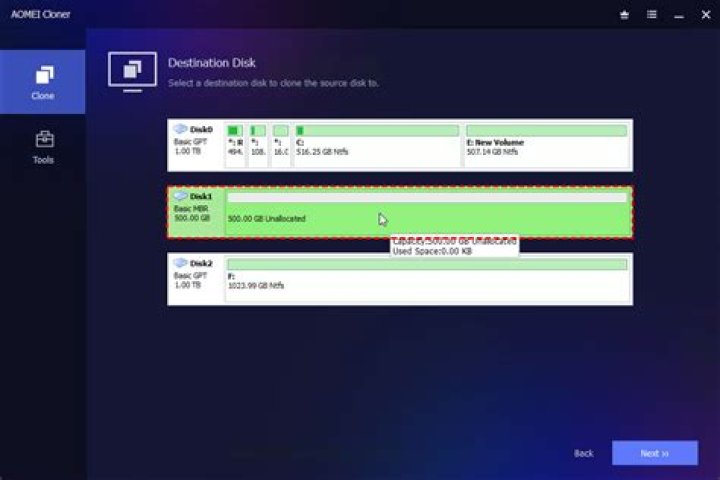
I have read (most of) the recent (18 and later releases) comments on my question. Current system 20.04.2 LTS, 2 Tbyte HDD. Plan to replace with a Crucial 2 TB SSD. In the past, when I have moved from one drive to another, including to a larger capacity drive (e.g., from a 1 Tbyte HDD to a 2 Tbyte HDD), I use an external cloning device in which the source and target drives are inserted and a clone is made. If the new drive is larger than the source drive, after installing the new drive into the computer (the same one from which the lower capacity drive was removed) and booting, I then use gparted to either increase the size of existing partitions or add additional partitions and mount points (e.g., if /opt were within the / partition on the original drive, I will make one of the new partitions /opt1, mv everything from /opt to /opt1, rm -rf /opt, and then mv /opt1 /opt , all as root , etc.). In the present case, the HDD and the SSD have the same nominal capacity (2 Tbyte) with the reason for the SSD is lower access times (higher data throughput). With this preamble, is this method going to work or is it better to do a clean install of 20.04 and then, using an external drive enclosure to USB 3, as root cp -pra from /opt, say, on the old drive to /opt on the new booted SSD that has the fresh install? A related question: are the HDD kernel drivers and the SSD kernel drivers -- on the same interface, say SATA -- the same driver, or does the kernel recognise the specific type of internal drive to use the higher data throughput of a SSD over a HDD?


